
Data Grid
Build an Excel-like spreadsheet in React
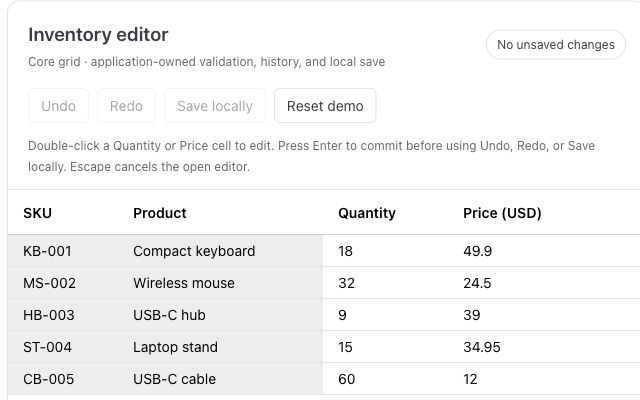
Paste from Excel, validate inventory, and add undo and redo to a working editor.
Compare AG Grid, RevoGrid, Handsontable, Jspreadsheet, and SpreadJS for React applications. The table summarizes editing, performance, licensing, and the workflow each library fits best.
| Rank | Library | Best fit | Grid and editing depth | Performance model | License model | Main trade-off |
|---|---|---|---|---|---|---|
| 1 | RevoGrid | Embedded editable data grids inside SaaS and business apps | Strong grid core; Pro adds formulas, Excel import/export, pivot, validation, Gantt, and more | Virtualized rows and columns | MIT core + commercial Pro | Not a full Excel workbook clone |
| 2 | Handsontable | Excel-like editing and familiar spreadsheet behavior | Very strong spreadsheet feel, selection, validation, formulas, clipboard | Virtualized rendering | Commercial for production use | Can be heavier and more spreadsheet-specific |
| 3 | AG Grid | Enterprise data grids with advanced spreadsheet features | Strong, especially in Enterprise: formulas, range selection, fill handle, clipboard, pivoting | Mature high-performance grid architecture | Community + Enterprise | Large API surface and enterprise licensing complexity |
| 4 | Jspreadsheet | Traditional web spreadsheet UI with React integration | Strong spreadsheet controls, worksheets, formulas, import/export extensions | Spreadsheet component model | Community + commercial extensions | React integration is part of a broader JS spreadsheet ecosystem |
| 5 | SpreadJS | Full Excel-like workbook applications | Very strong: workbook model, Excel IO, charts, 500+ functions, designer tooling | Full spreadsheet engine | Commercial | Powerful but likely too much for simple embedded grids |
We compare editing and keyboard workflows, virtualization, customization, React integration, licensing, and whether the product is a grid or a full workbook. Test each option with your own data and custom cells.
This ranking is for teams building data-heavy SaaS products, internal tools, planning views, finance dashboards, and other applications where grid interaction is part of a larger workflow.
For this comparison, a React data grid library means a component that can present, edit, validate, and navigate structured data inside a React application:
Some tools in this list are full workbook engines. Others are high-performance data grids with spreadsheet-like UX. That difference matters.
If you are building a full browser-based Excel replacement, you probably want a workbook-first component. If you are building a product screen where users edit structured business data, a grid-first component is often a better architectural fit.
For RevoGrid specifically, explore the React Data Grid, live React demo, and React getting-started guide.
RevoGrid is a high-performance data grid built around virtualization, framework flexibility, and deep customization.
It is a strong fit when your React app is not trying to become Excel, but your users still expect advanced grid interaction inside product screens: fast editing, custom cells, copy/paste, range workflows, validation, reporting, and large datasets.
The important distinction is that RevoGrid starts as a grid foundation, not a workbook clone. That makes it especially useful for product teams that need to control their data model, backend integration, permissions, rendering, and business logic.
import { RevoGrid } from '@revolist/react-datagrid';

const columns = [
  { prop: 'name', name: 'Name' },
  { prop: 'status', name: 'Status' },
  { prop: 'budget', name: 'Budget' }
];

const source = [
  { name: 'Website redesign', status: 'In progress', budget: 12000 },
  { name: 'CRM migration', status: 'Planned', budget: 30000 }
];

export default function ProjectGrid() {
  return <RevoGrid columns={columns} source={source} />;
}RevoGrid is strongest when the grid is part of a larger product workflow.
For example, a finance application may need editable budgets, pinned totals, custom validation, audit history, and Excel export. A resource planning app may need custom columns, grouped data, scheduling, and Gantt-like views. A data platform may need fast virtualized scrolling, server-side data contracts, and custom renderers.
This is where RevoGrid’s model works well: the grid remains the core surface, and advanced editing, analytics, or spreadsheet-like features can be layered on top when needed.
RevoGrid Pro extends the base grid with features such as formulas, smart autofill, multi-range selection, Excel import/export, validation, charts, pivot analytics, master-detail, audit history, and Gantt/scheduling modules.
If your main requirement is to reproduce a full Excel workbook with multiple sheets, ribbon UI, heavy formula auditing, and full document-style spreadsheet behavior out of the box. RevoGrid still does it but this would require some experience in the framework to assemble all of it together. So SpreadJS or another workbook-first spreadsheet engine may be a better fit.
But if your requirement is:
We need powerful grid interaction inside our product UI, without building the whole grid infrastructure ourselves.
Then RevoGrid is one of the strongest options in 2026.
Handsontable is one of the most established JavaScript data grid components for Excel-like editing. It is often the first library teams evaluate when they want users to feel like they are editing a spreadsheet directly inside a web app.
Its strengths are clear:
Handsontable is especially strong when your users expect Excel-like behavior more than a typical enterprise grid experience.
Handsontable is a good choice for:
It is less “headless” and less grid-infrastructure-oriented than some alternatives, but that is also the point. Handsontable gives you a familiar spreadsheet surface quickly.
Handsontable is usually not the lightest option, and commercial usage requires a paid license. It also has its own data handling and component model, so React teams should test how it fits their state management approach before committing.
If your users mainly care about Excel-like editing, Handsontable is a very strong option. If your team mainly cares about building a highly customized product grid with server-side logic and advanced app workflows, RevoGrid or AG Grid may be a better architectural match.
AG Grid is one of the most famous enterprise data grids in the JavaScript ecosystem. It includes many spreadsheet-like features, especially in AG Grid Enterprise.
AG Grid supports a large set of advanced capabilities:
For enterprise applications, AG Grid is often the safest default. It has extensive documentation, a large ecosystem, and a broad API surface that covers many complex use cases.
AG Grid is a good choice for:
If your product roadmap includes pivoting, integrated charts, server-side grouping, Excel export, complex filtering, and long-term enterprise support, AG Grid deserves serious evaluation.
AG Grid can be more than you need.
The feature set is large, the API surface is broad, and many spreadsheet-like features belong to the Enterprise tier. For teams building smaller embedded workflows, that can feel heavy both technically and commercially.
This is the main reason some teams look for alternatives: they do not necessarily need a full enterprise grid platform. They need a fast, customizable data grid that fits their product without adding unnecessary complexity.
Jspreadsheet is a JavaScript spreadsheet component with React integration. It is closer to a traditional web spreadsheet than a general-purpose data grid.
It supports spreadsheet concepts such as worksheets, formulas, clipboard operations, fill handle, validations, filters, comments, import/export extensions, and other spreadsheet UI features.
Jspreadsheet is a good choice for:
The Community Edition is open-source, while more advanced functionality is available through commercial versions and extensions.
Jspreadsheet is attractive when you want spreadsheet UI quickly. The trade-off is that it is less of a general app data-grid platform than RevoGrid or AG Grid.
If your product is mainly a spreadsheet screen, that may be fine. If your product needs complex data infrastructure, virtualization-heavy views, custom framework rendering, server-side data flows, and many product-specific UI rules, you should test carefully before choosing it as the foundation.
SpreadJS is a full JavaScript spreadsheet engine with support for React, Angular, and Vue. It is the most workbook-oriented tool in this list.
It is designed for applications that need a real Excel-like experience in the browser:
SpreadJS is a good choice for:
If your application is closer to “Excel inside the browser” than “spreadsheet-like grid inside a product,” SpreadJS is likely one of the first tools you should evaluate.
SpreadJS is powerful, but it is not a small grid component. It is a commercial spreadsheet platform with a broad workbook API.
That is the right trade-off for Excel-heavy applications. It may be the wrong trade-off for SaaS product screens where the spreadsheet behavior is important but still secondary to the product workflow.
| Requirement | Best starting point |
|---|---|
| Fast editable data grid for product workflows | RevoGrid |
| Full Excel-like workbook in the browser | SpreadJS |
| Familiar Excel-like editing and validation | Handsontable |
| Enterprise reporting grid with many advanced features | AG Grid |
| Traditional web spreadsheet component | Jspreadsheet |
| Open-source React editable grid component | ReactGrid |
| Fully custom table architecture | TanStack Table |
ReactGrid is an open-source React component for displaying and editing data in a spreadsheet-like way. It supports features such as range selection, fill handle, sticky rows and columns, spanned cells, custom cell types, and keyboard shortcuts.
It is worth checking if you want a React-specific spreadsheet-like component under an MIT license. It is not as broad as AG Grid, RevoGrid Pro, Handsontable, or SpreadJS, but it can be a practical fit for smaller spreadsheet-like interfaces.
TanStack Table is not a spreadsheet library. It is a headless table engine.
That means it gives you strong table logic — rows, columns, sorting, filtering, grouping, pagination, selection, and controlled state — but it does not give you a ready spreadsheet UI.
Choose TanStack Table if your team wants to own the full rendering layer, accessibility model, editing behavior, keyboard navigation, clipboard behavior, and virtualization setup. Do not choose it if you expect spreadsheet behavior out of the box.
Syncfusion React Spreadsheet is also worth reviewing if your team already uses Syncfusion or wants a broader UI suite. It belongs more to the “commercial component suite” category than the focused spreadsheet-grid category, so it did not make the top five here.
Before choosing a library, answer these questions honestly.
If the spreadsheet is the product, consider SpreadJS, Jspreadsheet, or Handsontable.
If the editable grid is part of a larger SaaS workflow, consider RevoGrid or AG Grid.
Formula support changes the architecture quickly.
Simple calculated columns can often live in your app layer. User-entered formulas, cell references, dependency tracking, recalculation, and Excel import/export require a more serious spreadsheet engine or a grid with formula support.
If your users work with thousands or millions of rows, virtualization and server-side data handling matter more than workbook-style UI.
This is where grid-first tools such as RevoGrid and AG Grid often make more sense than workbook-first components.
If your cells need custom React components, app-specific editors, permissions, validation rules, conditional styling, custom context menus, and backend-driven behavior, do not evaluate only the demo.
Test how quickly the library lets you express your own product logic.
For SaaS products, licensing should be clear before the component becomes part of your architecture.
Check whether the license is per developer, per application, per deployment, per end user, per server, or per SaaS tenant. A component can look cheap in a prototype and become expensive when the product scales.
Choose SpreadJS if you are building a full Excel-like workbook application.
Choose Handsontable if your main priority is familiar spreadsheet editing and data entry.
Choose AG Grid if you need the broadest enterprise data grid feature set and are comfortable with its commercial model.
Choose Jspreadsheet if you want a traditional web spreadsheet component with React support.
Choose RevoGrid if you are building a data-heavy product where advanced editing and analysis need to live inside a fast, customizable, application-oriented grid.
For many SaaS teams, that last category is the real requirement. They do not need to rebuild Excel. They need users to edit, scan, validate, copy, paste, import, export, group, analyze, and act on structured business data without leaving the product.
That is the space where RevoGrid is designed to fit.
If you are building editable data workflows in React, start with the open-source grid and add advanced modules only when your product needs them.
Paste from Excel, validate inventory, and add undo and redo to a working editor.
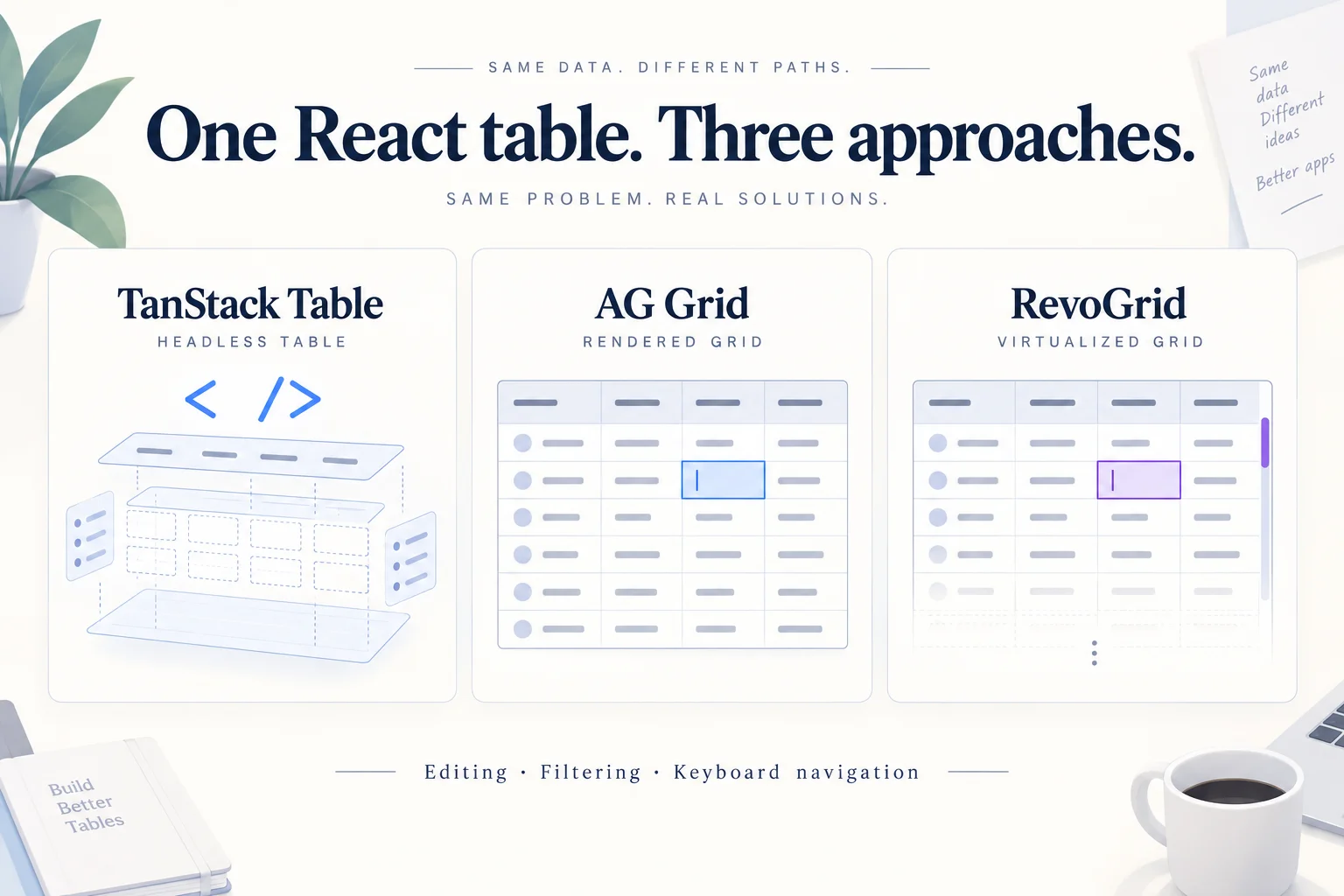
One editable React table, three approaches. See which editing, filtering, and keyboard behaviors the library handles—and which your application owns.