RevoGrid Benchmarks
Scheduling benchmark
Looking for scheduling measurements? See the RevoGrid Gantt browser benchmark, including the full 100/1K/5K/10K task matrix, dependency densities, raw JSON/CSV, screenshot, video, and live workload.
This page records a reproducible local RevoGrid benchmark run across 1K, 10K, 100K, and 1 million rows. The results below were captured on September 23, 2026, against a local VitePress dev server.
Benchmark numbers are environment-dependent. Treat these as a published run with its machine, browser, dataset, and renderer setup documented, not as a universal guarantee for every application.
Related comparative benchmark
Read Battle of the Rows: The Limits of Data Performance for a 2024 comparison of RevoGrid, AG Grid, and Handsontable across datasets up to 400,000 rows, covering memory usage, scrolling FPS, and initial rendering. Its harness differs from the benchmark documented here, so compare the results with that context in mind.
Measure performance in your browser
These live values describe this page and the selected workload. They are not universal product guarantees or directly comparable with results collected on another machine, browser, display, or page. You can also open the same workspace on the dedicated Grid at Scale demo.
Dataset and renderer
| Field | Value |
|---|---|
| Row counts | 1,000; 10,000; 100,000; 1,000,000 |
| Column counts | 100 for every workload |
| Total logical cells | 100,000; 1,000,000; 10,000,000; 100,000,000 respectively |
| Cell renderer complexity | Each scenario uses 1 pinned custom name cell with status badge, 1 custom status badge column, 8 custom formatted numeric columns, and 90 plain numeric columns. |
| Editors enabled | Built-in editing available; latency measured through targeted setDataAt updates |
| Pinned rows or columns | 1 pinned start column |
| Row height | 36 px |
| Column width | 110 px default, with custom widths for pinned/status columns |
Every workload uses the same 100-column shape, so the matrix isolates row-count growth while retaining the same visible column and renderer workload.
Results
Each workload was measured five times in a fresh, visible Chromium browser context without video recording. Screenshot and video capture use a separate illustrative pass. The headline number is the median of the five measured runs; the range shows the smallest and largest run. Arithmetic means and every individual measured run are also available in the result JSON.
| Workload (rows × columns) | Data preparation, ms (range) | First data paint, ms (range) | Prepare + paint, ms (range) |
|---|---|---|---|
| 1,000 × 100 | 0.30 (0.30–0.50) | 112.80 (99.50–146.90) | 113.10 (99.80–147.40) |
| 10,000 × 100 | 1.30 (1.30–2.50) | 153.20 (131.50–166.90) | 154.50 (132.80–168.50) |
| 100,000 × 100 | 12.50 (12.10–13.70) | 146.20 (113.70–147.10) | 158.60 (126.50–159.20) |
| 1,000,000 × 100 | 123.80 (118.40–149.10) | 116.70 (111.30–153.20) | 240.50 (236.30–291.60) |
| Workload | Visible browser FPS (range) | p95 frame interval, ms (range) | Heap after warmup, MiB (range) | Heap after interactions, MiB (range) |
|---|---|---|---|---|
| 1K × 100 | 58.95 (58.05–59.12) | 33.34 (33.34–33.34) | 94.36 (94.21–97.71) | 103.66 (93.93–110.99) |
| 10K × 100 | 58.73 (58.70–59.13) | 16.67 (16.67–33.34) | 96.21 (91.76–96.98) | 105.70 (104.41–115.56) |
| 100K × 100 | 58.99 (58.50–59.08) | 33.34 (33.34–33.34) | 106.99 (106.88–107.77) | 108.90 (106.47–115.85) |
| 1M × 100 | 58.99 (58.64–118.53) | 16.67 (8.33–33.34) | 176.42 (173.61–181.81) | 203.80 (191.69–219.83) |
Data preparation measures construction of the columns and one row record per source row. Numeric metric values use shared lazy accessors, so the benchmark retains a 100-column grid without allocating 100 million duplicate properties for the 1M-row case. First data paint starts just before assigning columns and source, waits until the first data row appears, and then waits two animation frames. Prepare + paint is calculated within each run before taking its median; it excludes page load and the grid's initial empty mount. The previous table timed the first aftergridrender event, which could arrive before data was painted; those values should not be compared with this run. The row count does not increase paint time proportionally because the grid virtualizes rows.
The scripted vertical scroll lasts three seconds and advances up to 3,888 rows (about 140,000 logical px) through the grid's scrollToRow API in a visible Chromium window. Each run verifies that the target rows render. Chromium tracing counts Display::FrameDisplayed events between start and end markers, then divides by the measured trace duration. These events are emitted when Chromium receives presentation feedback for a compositor frame. The p95 frame interval is the 95th percentile of time between consecutive presentation events; gaps over 33.33 ms are also recorded. This measures the whole benchmark page on the test display, not grid-only paints or a guaranteed frame rate on another display. Raw frame counts, intervals, gap counts, measured durations, and animation callback counts are available for every run in the JSON. The median per-run p95 values for 30 targeted setDataAt calls were 0.10, 0.10, 0.10, 0.10 ms. They measure the API call, not a user typing into an editor or a visible edit paint; browser timer precision limits their usefulness as a comparison.
The 1M workload had a higher presentation cadence in its final two runs, reaching 118.53 frames/s in one run. Animation callback counts rose at the same time, suggesting the display or browser refresh cadence changed during this session. The range preserves that variation; it should not be read as a grid-only speed difference.
Median page-wide DOM node counts were 967, 967, 938, 938. The grid rendered 60 viewport rows in every run, with a median of 300, 300, 280, 280 data cells. The machine was a MacBookPro18,3 (Apple M1 Pro, 8 CPU cores, 16 GiB RAM) running macOS 26.4; the browser was Chromium 145.0.7632.6 at a 1440 × 900 viewport.
Memory verification
In each run, the benchmark reads Chromium performance.memory.usedJSHeapSize five times after a one-second idle warmup and five times after the scroll and edit loop. It takes the median within each run, then the median of five run medians for the headline table. These numbers describe the whole benchmark page, not just grid-owned objects. All 200 raw heap samples and their per-run medians are in the published result JSON.
| Workload | Five warmup run medians (MiB) | Five interaction run medians (MiB) |
|---|---|---|
| 1K × 100 | 94.21, 97.16, 94.36, 94.24, 97.71 | 103.66, 104.00, 93.93, 103.59, 110.99 |
| 10K × 100 | 91.76, 96.98, 96.21, 96.20, 96.22 | 104.41, 105.70, 104.41, 109.37, 115.56 |
| 100K × 100 | 107.33, 106.99, 106.88, 106.90, 107.77 | 107.79, 108.90, 115.85, 106.47, 112.86 |
| 1M × 100 | 181.31, 176.42, 173.61, 181.81, 176.22 | 203.80, 196.50, 191.69, 219.83, 204.02 |
Comparison methodology
Use the same benchmark harness for every grid being compared. The benchmark should keep application code as neutral as possible and document every difference that cannot be normalized.
- Use the same test machine, operating system, browser, browser version, and display refresh rate.
- Run cold and warm measurements separately for cross-grid comparisons.
- Use the same row count, column count, data shape, renderer complexity, row height, and column width.
- Repeat each scenario and publish the median and spread. This run uses five browser contexts per workload and records all individual measurements.
- Measure scrolling with scripted scroll and report what the harness observes. This run counts presentation events and frame intervals in a visible Chromium window.
- Measure memory after initial warmup and again after a documented interaction loop.
- Measure edit latency with a defined update operation; this harness times targeted
setDataAtcalls, not typing through an editor. - Keep virtualization settings, pinned areas, custom renderers, filtering, sorting, and editors visible in the benchmark configuration.
- Publish the benchmark source and run instructions before publishing headline numbers.
The published runner measures each of these workloads with the same render, scroll, heap, and update sequence:
| Dataset | Logical cells | Focus |
|---|---|---|
| 1K rows × 100 columns | 100 thousand | Baseline fixed-column workload |
| 10K rows × 100 columns | 1 million | Moderate row scale |
| 100K rows × 100 columns | 10 million | Large row scale |
| 1 million rows × 100 columns | 100 million | Maximum fixed-column workload |
Runnable benchmark repo
The benchmark is runnable from this docs workspace:
pnpm exec vitepress dev --host 127.0.0.1 --port 5173
node scripts/run-benchmark.mjs
The runner opens a visible Chromium window by default. Use --headless only for a diagnostic run; those frame rates are not directly comparable with the published visible-browser results.
The script writes:
public/benchmarks/result.jsonwith all four workloads, raw samples, machine details, and asset paths- One illustrative screenshot and video per workload from a separate capture pass in
public/benchmarks/
Screenshots and video
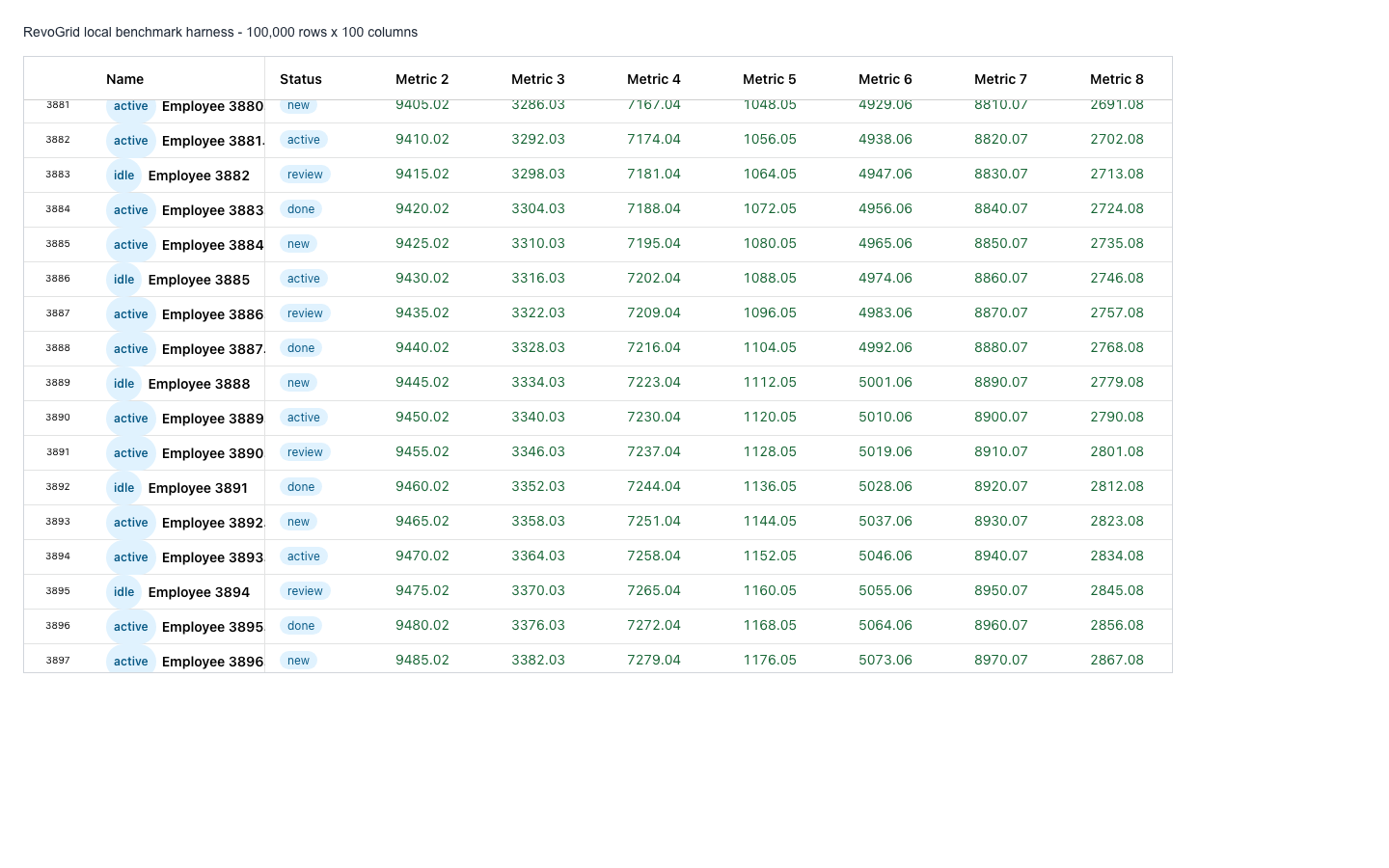
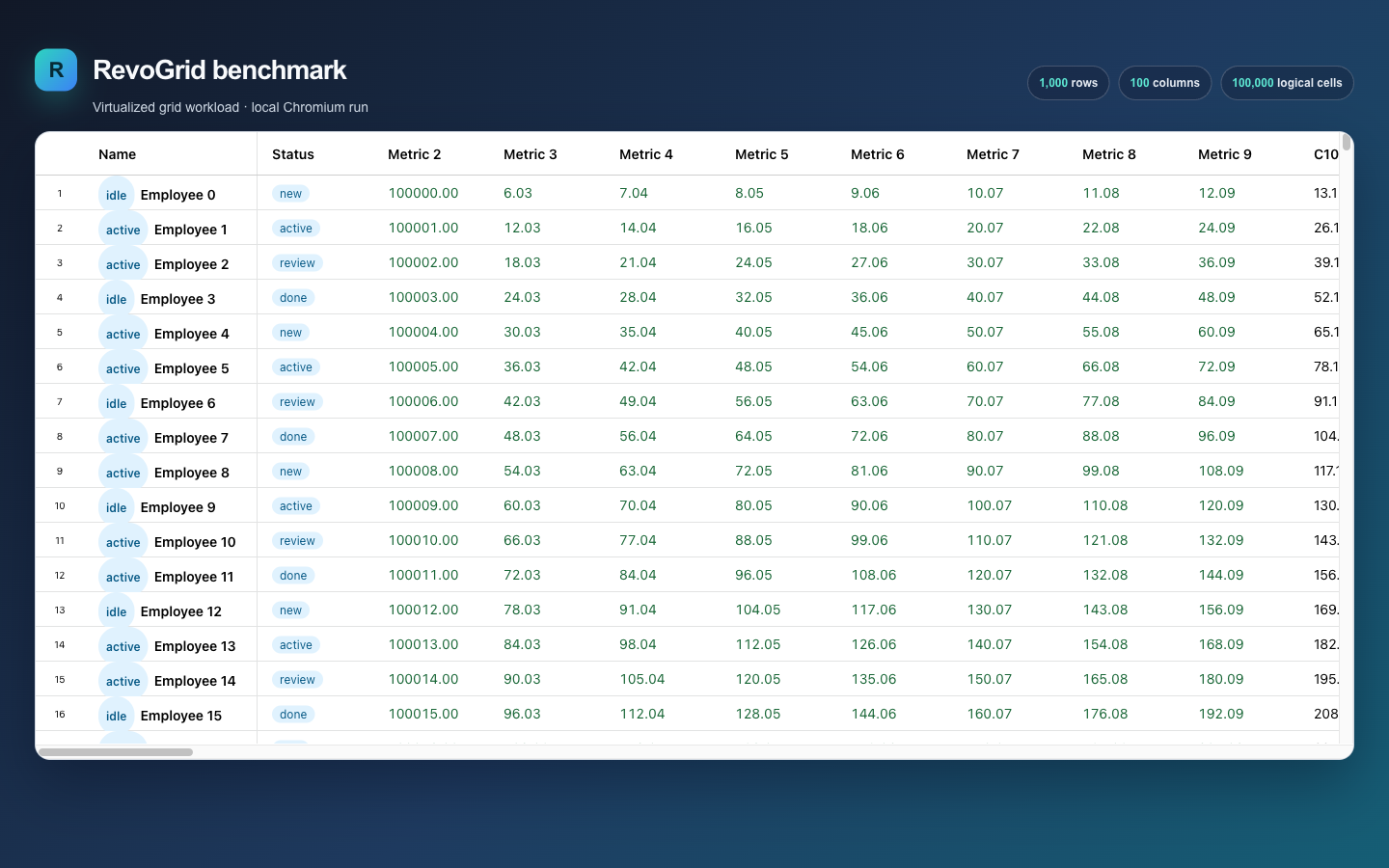
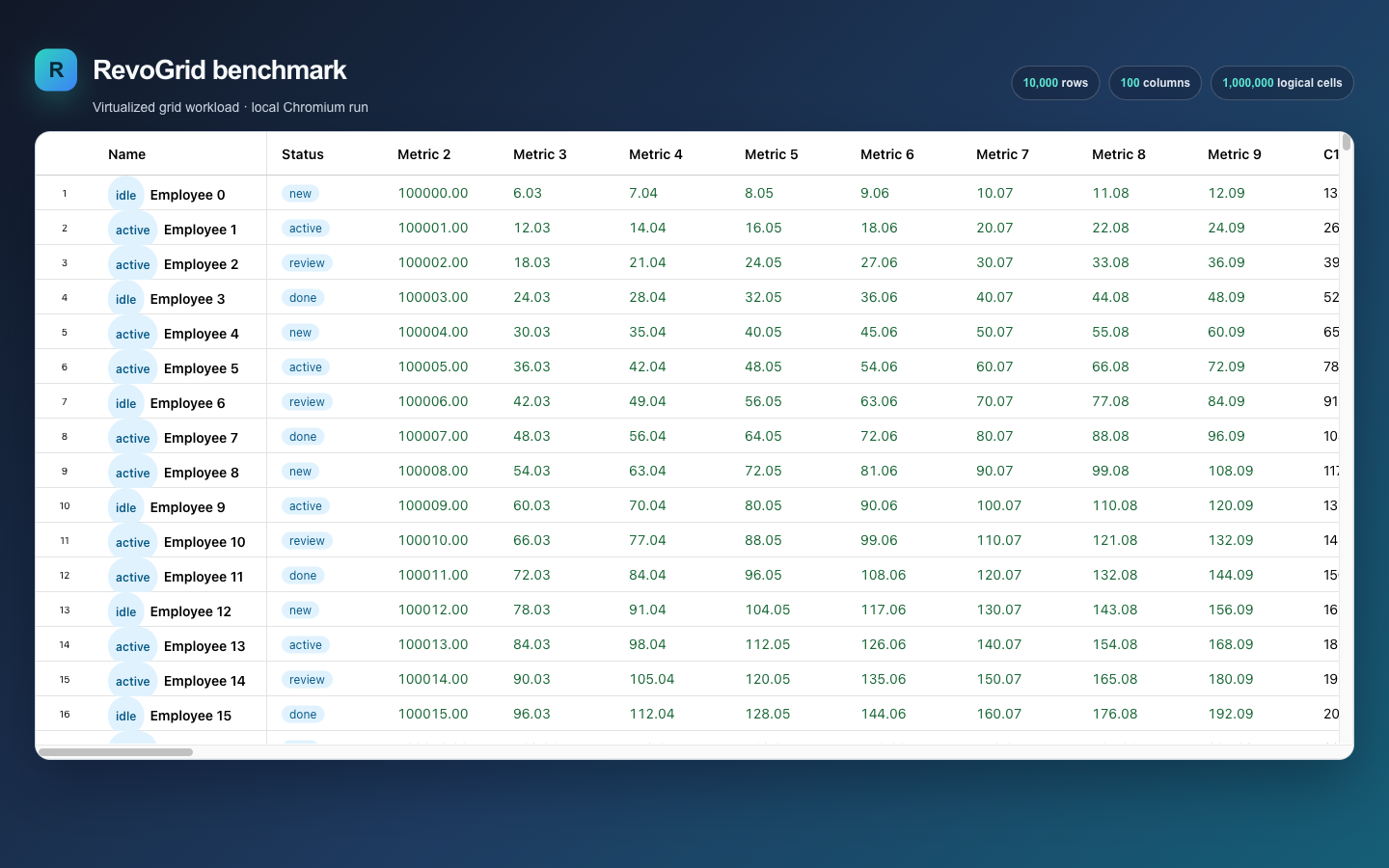
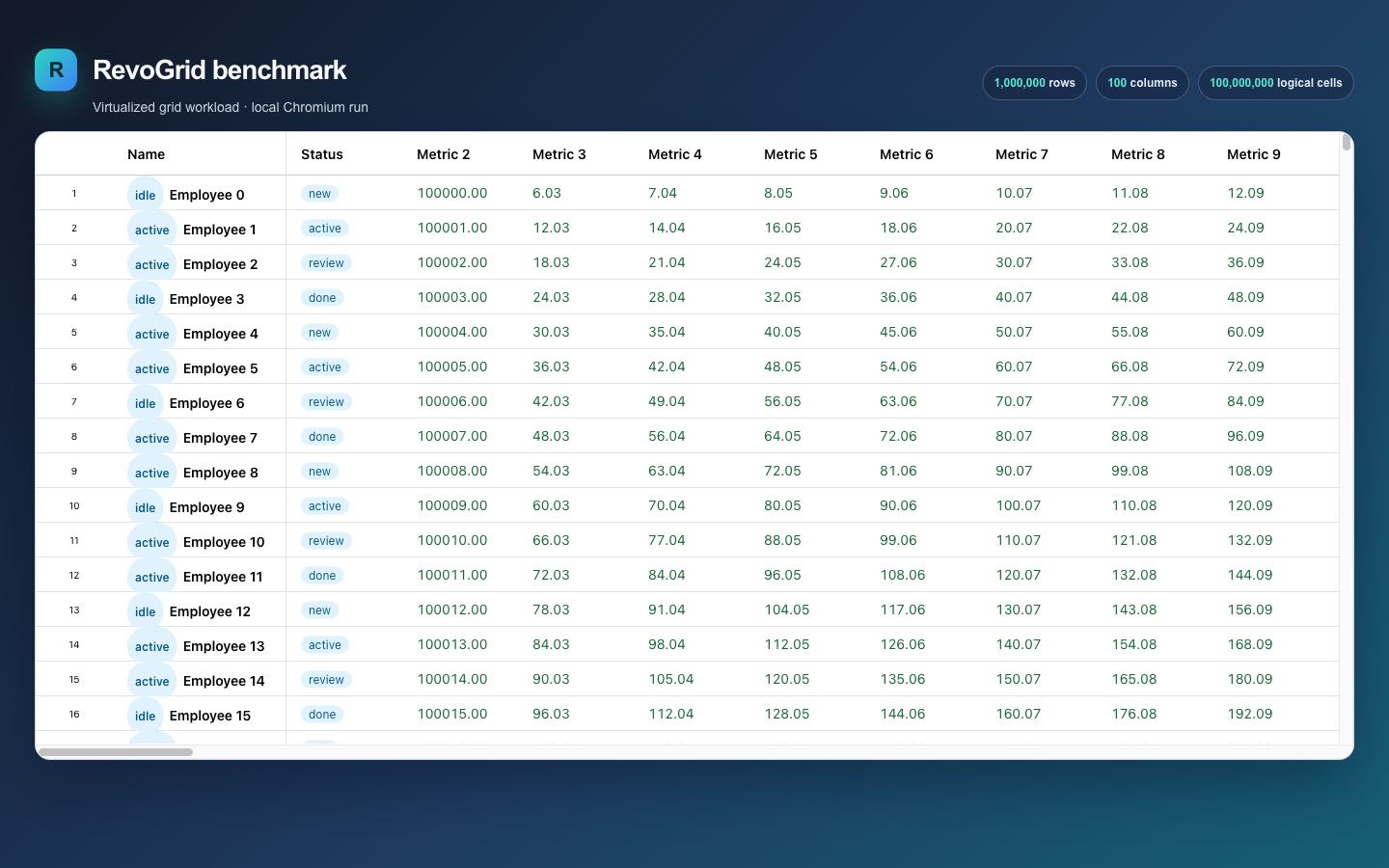
| Workload | Screenshot after interactions | Scroll and update video |
|---|---|---|
| 1K × 100 | PNG | WebM |
| 10K × 100 | PNG | WebM |
| 100K × 100 | PNG | WebM |
| 1M × 100 | PNG | WebM |
Raw result data includes the machine, browser, dataset, five runs, medians, means, ranges, heap samples, and asset paths. No browser performance trace was recorded.