
Open-source shortlist · reviewed August 13, 2026
Open-Source AG Grid Alternatives: 6 Options Compared
If AG Grid's free tier stops before the spreadsheet workflow your users need, start with RevoGrid Core. Then compare it with five credible open-source options using the same real tasks—not a feature count.
The short answer
If rectangular cell selection and spreadsheet-style copy/paste must remain open source, start with RevoGrid, Tabulator, Glide Data Grid, or LyteNyte Grid Core. Start with MUI X Community for a Material UI table, TanStack Table when you want to own every element, and AG Grid Community when its free feature boundary already covers your requirements.
Pick the first grid to test
There is no single best data grid. There is a best first candidate for a specific product constraint.
 Framework-independent
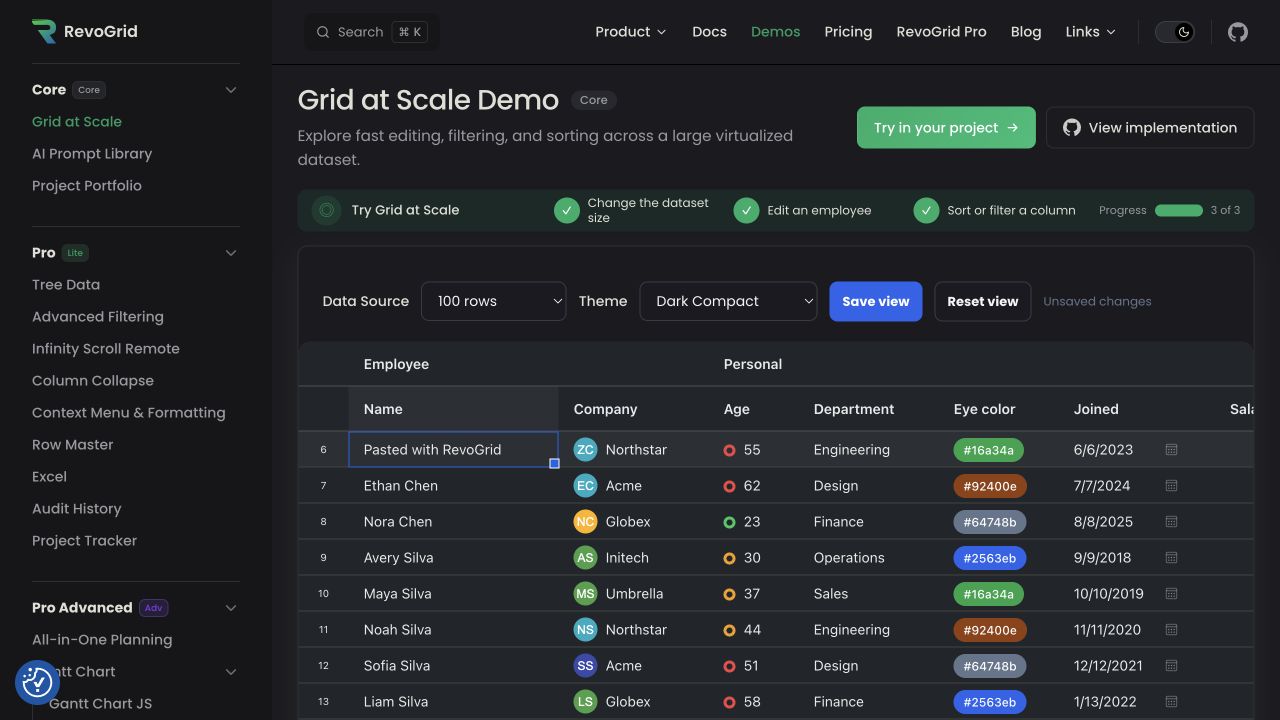
RevoGrid
Start here for a Web Component with virtualized rows and columns, inline editing, range selection, and copy/paste in the MIT core.
Open the RevoGrid demos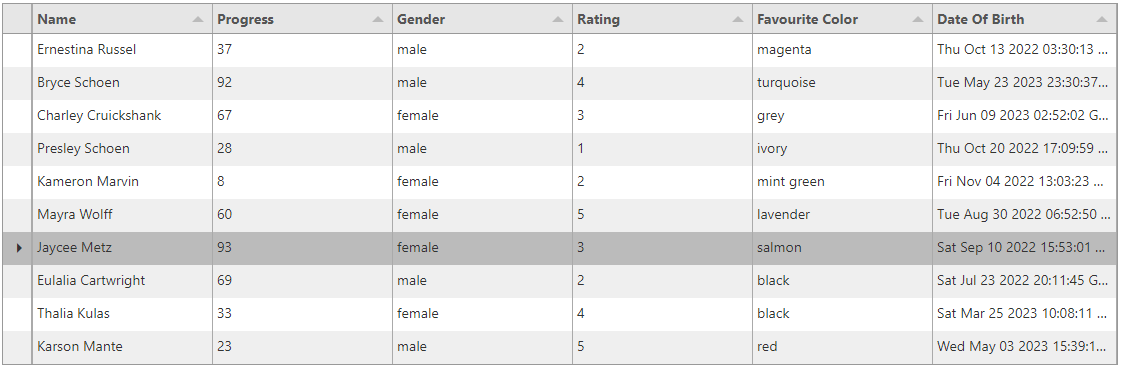 Plain JavaScript
Tabulator
Start here for a broad, batteries-included MIT table with filtering, range selection, clipboard workflows, editing, and downloads.
Open Tabulator examples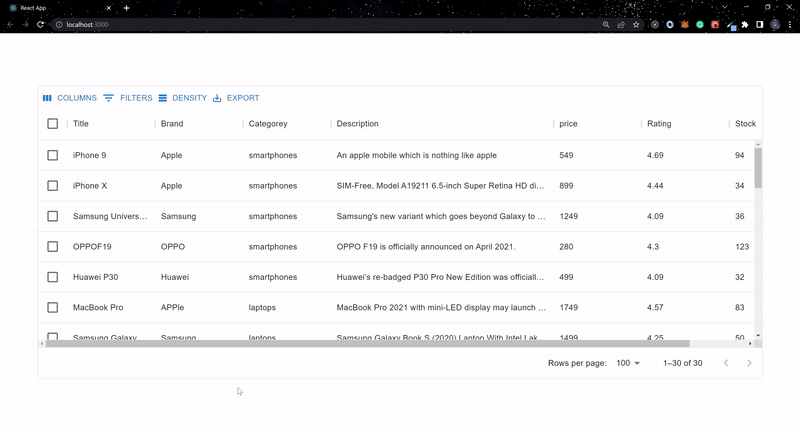 React + Material UI
MUI X Community
Start here when visual consistency with an existing MUI application matters more than free spreadsheet-style range operations.
Open MUI X Data Grid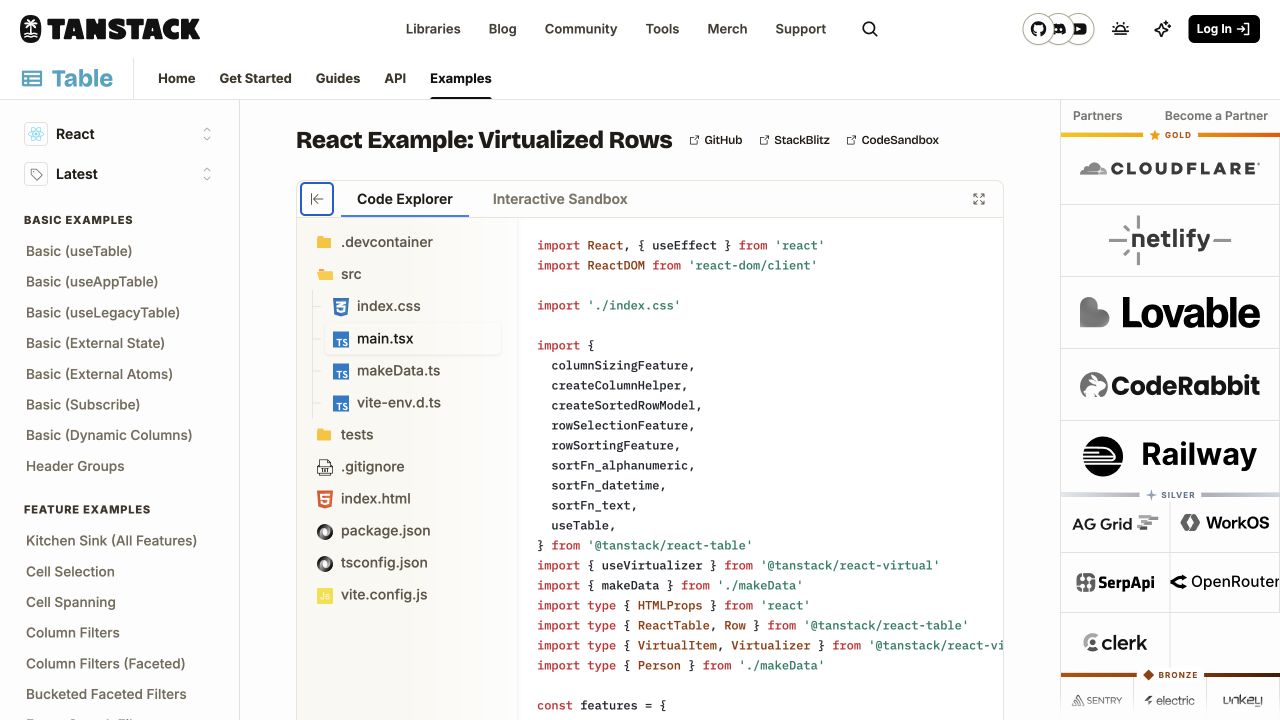 Headless
TanStack Table
Start here when your team wants to own semantics, markup, state, and styling—and accepts building grid interactions itself.
Open TanStack Table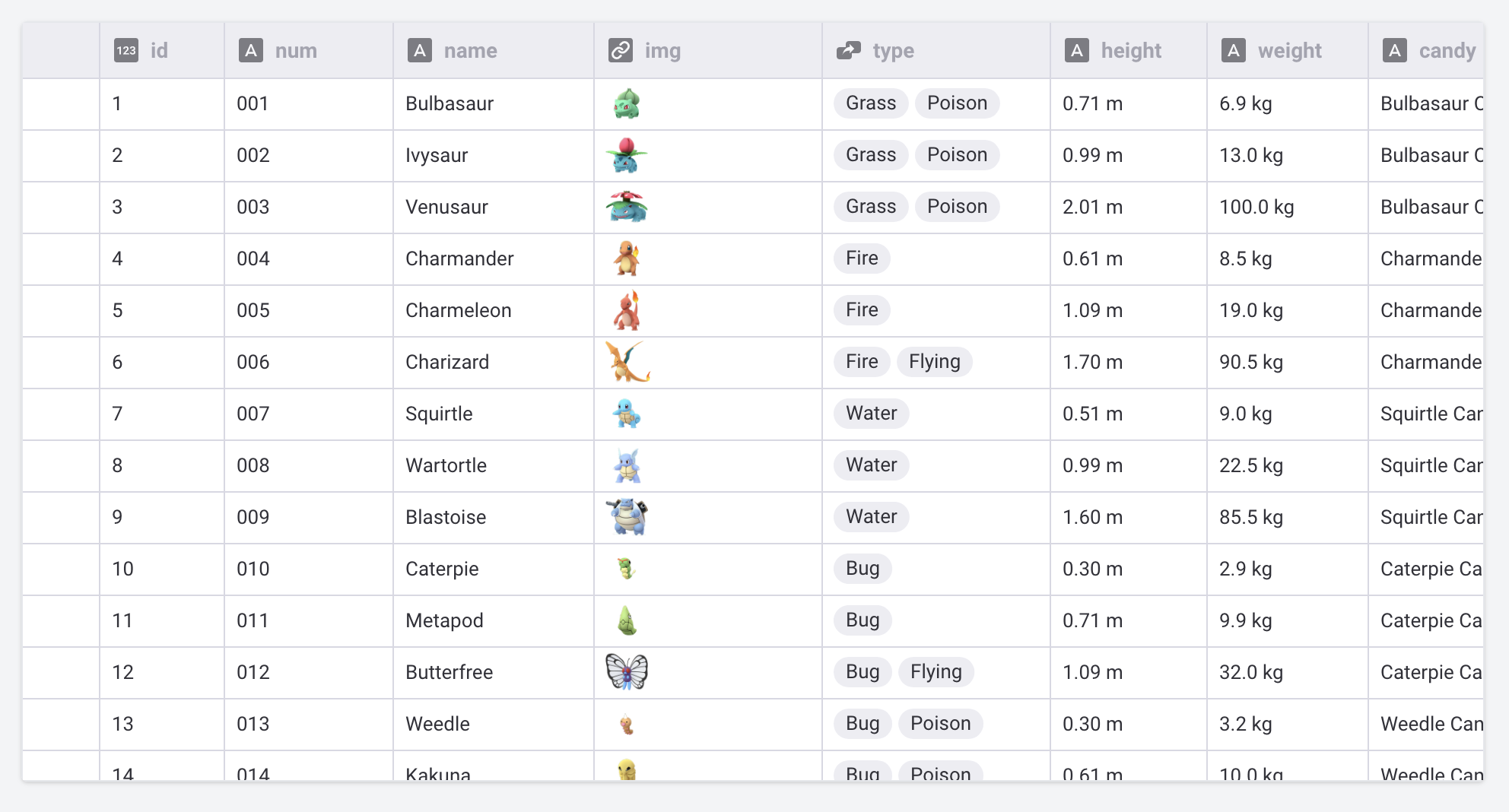 React + canvas
Glide Data Grid
Start here for a canvas-rendered, cell-oriented React surface with lazy data access, range selection, and opt-in clipboard behavior.
Open Glide Data Grid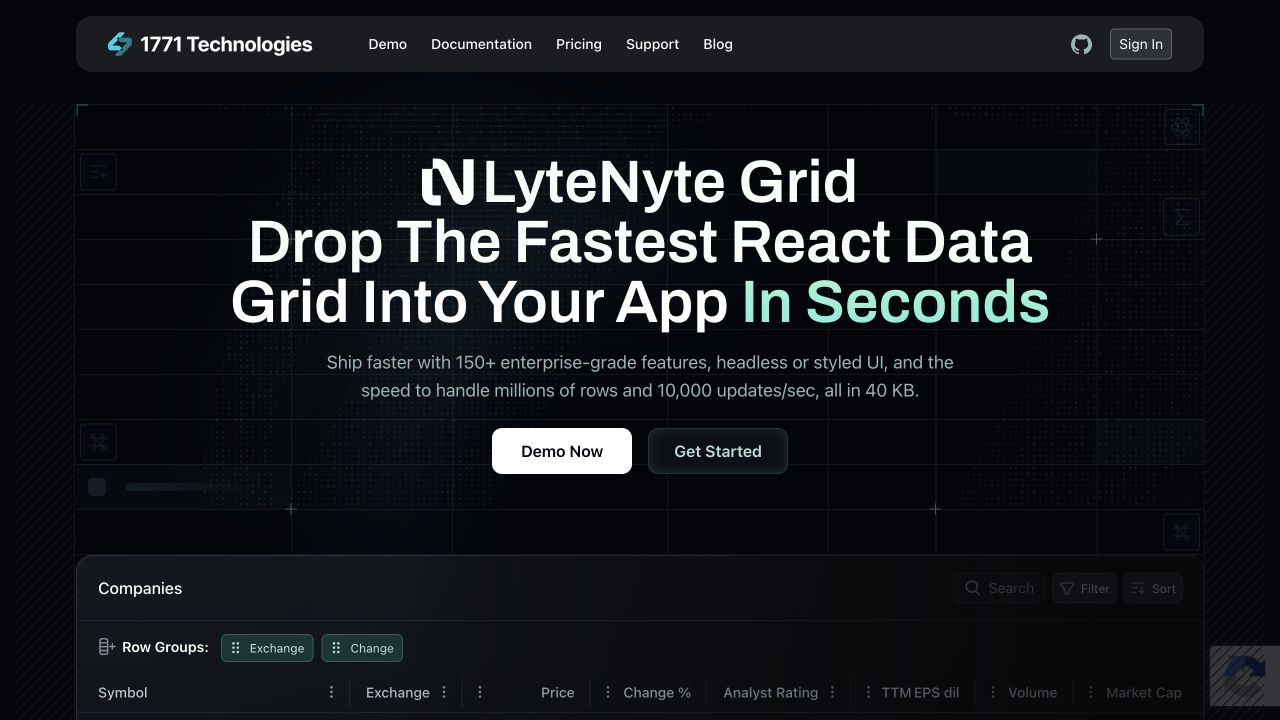 React + open core
LyteNyte Grid Core
Start here for a newer React-native option whose Apache-2.0 core includes range selection, clipboard, grouping, and several export formats.
Open the LyteNyte demoOpen-source capability matrix
This table compares the open-source package—not a trial and not the vendor's paid tier. “App-built” means the library gives you primitives or callbacks, but your product team owns the user interface and behavior.
| Grid | Open-source package | Filtering | Cell range selection | Grid-aware copy + paste | Inline editing | Rendering model |
|---|---|---|---|---|---|---|
| RevoGrid | MIT | Built in | Built in; one active range | Built in; configurable | Built in | Web Component with row + column virtualization |
| AG Grid Community | MIT | Built in | Enterprise | Enterprise | Built in | DOM row + column virtualization |
| Tabulator | MIT | Built in; local or remote | Built in | Built in | Built in | Virtual DOM table |
| MUI X Community | MIT | Built in; one criterion at a time | Premium | Copy available; cell-range paste is Premium | Built in | React DOM virtualization |
| TanStack Table | MIT | Headless filtering model | App-built | App-built | App-built | No renderer; pair with a virtualizer |
| Glide Data Grid | MIT | App-built | Built in, including multi-range state | Built in with opt-in data callbacks | Built in; the app persists changes | React canvas with lazy cell access |
| LyteNyte Grid Core | Apache-2.0 | Column + quick filters | Built in | Built in | Built in | React row + column virtualization |
The boundaries above come from the current AG Grid repository, MUI X package and feature documentation, TanStack Table documentation, Tabulator 6.5 documentation, Glide Data Grid repository and API, LyteNyte feature matrix, and RevoGrid's Core source, filtering, clipboard, and performance guides.
Open source does not mean every feature is open source
AG Grid Community and MUI X Community are capable free products, but their rectangular cell-selection and multi-cell clipboard workflows cross into paid packages. RevoGrid Core supports one active range; non-contiguous multi-range selection is a Pro feature. LyteNyte keeps server data loading and advanced filtering in Pro. Verify the exact package before committing to an architecture.
The important differences behind the checkmarks
1. Filtering: local UI or server contract?
A “filtering” checkmark can describe very different work:
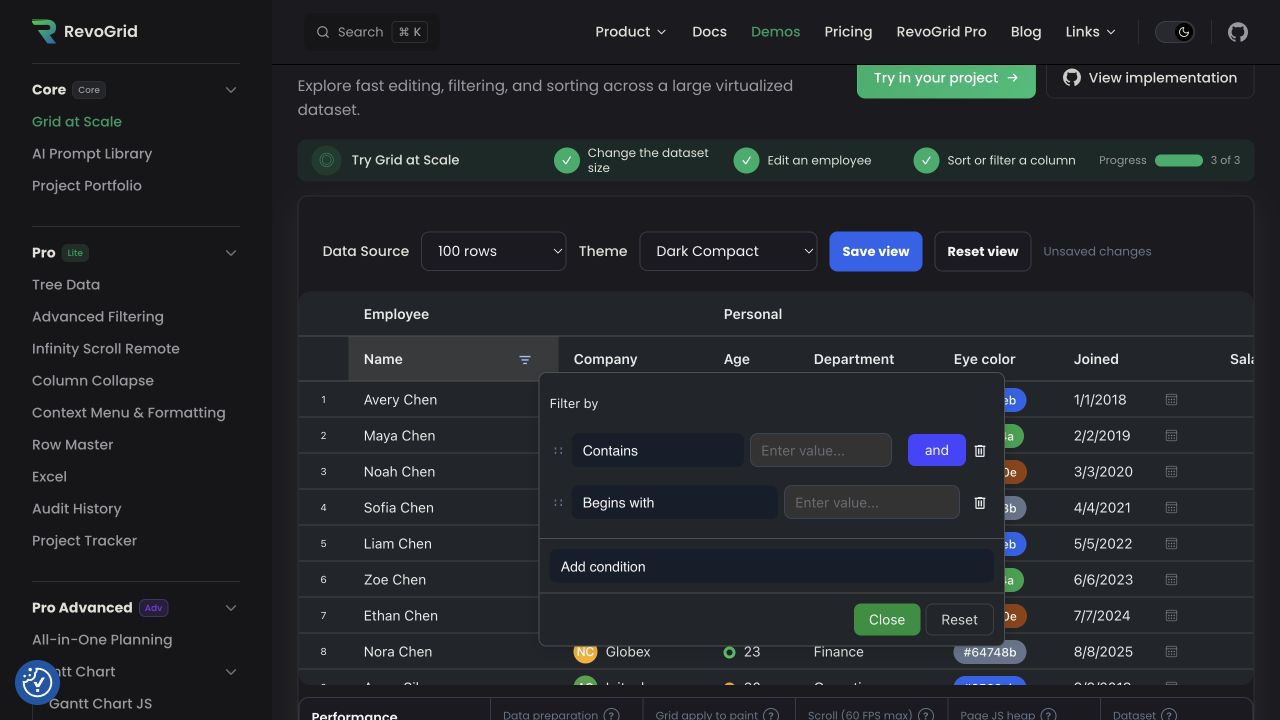
- RevoGrid, AG Grid Community, Tabulator, MUI X Community, and LyteNyte Core provide filter behavior and UI in their free packages, with different operator and multi-condition limits.
- TanStack Table owns filter state and row-model logic, but you build the controls and visual treatment.
- Glide Data Grid is a rendering and interaction surface; filtering the backing data is an application concern.
- For a remote dataset, test how filter state becomes an API request, how total counts update, and how selection survives a refresh. A polished local filter demo does not prove a good server-side workflow.
If filtering is your primary workflow, prototype the hardest operator first: date ranges, multi-value categories, null handling, or server-composed AND/OR logic.
2. Range selection and clipboard: test the whole loop
Do not test copy and paste as two isolated keyboard shortcuts. Test this sequence:
- Select a rectangle with mouse and keyboard.
- Copy values containing tabs, newlines, dates, nulls, and formatted numbers.
- Paste into Excel or Google Sheets.
- Paste the data back into editable and read-only columns.
- Validate partial failure, undo behavior, and what happens when the paste is larger than the remaining rows.
This workflow is where package boundaries become visible. AG Grid's own feature table places range selection and clipboard operations in Enterprise. MUI X Community can copy, but cell selection and multi-cell paste belong to Premium. TanStack can support the workflow only after you design and build it. Glide supports it through callbacks, so data retrieval and persistence remain explicit application responsibilities.
3. Editing: the editor is only the first step
All-in-one grids can open an input quickly. Production editing also needs:
- synchronous and asynchronous validation;
- a clear save/cancel model;
- keyboard movement after commit;
- batch paste validation;
- optimistic server updates and rollback;
- read-only rules at grid, row, and cell level;
- accessible error messages and focus recovery.
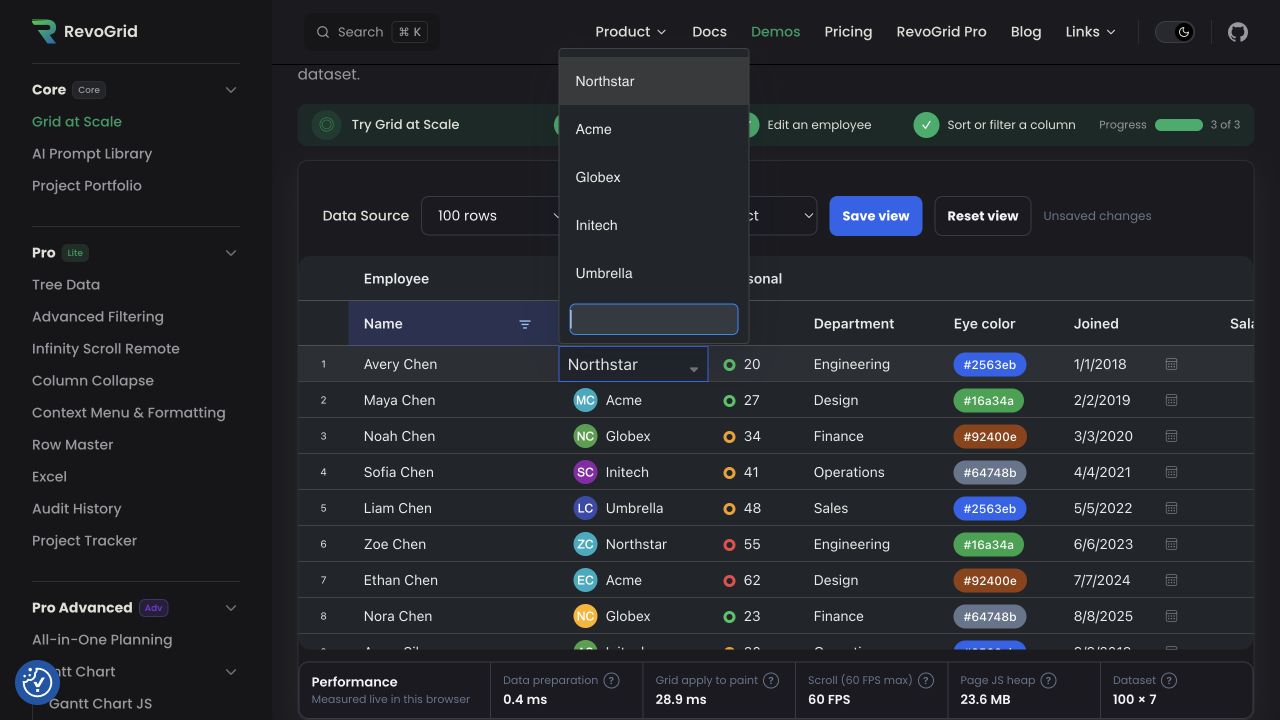
Build a vertical slice against your real API before comparing editor catalogs. A custom dropdown in a demo is less important than predictable data ownership after the edit.
4. Framework fit and ownership
| If your architecture is… | Strong first candidates | Trade-off to validate |
|---|---|---|
| Multiple frameworks or a design-system Web Component | RevoGrid, Tabulator | Wrapper ergonomics and custom renderer integration |
| React with Material UI | MUI X Community | Paid boundary for spreadsheet interactions |
| React with a canvas-heavy data surface | Glide Data Grid | DOM semantics, printing, test tooling, and app-owned data operations |
| React with broad free grid features | LyteNyte Grid Core | Newer ecosystem, upgrade path, and production edge cases |
| Fully custom UI across React, Vue, Svelte, Solid, or Lit | TanStack Table | Total cost of building selection, clipboard, editing, and accessibility |
| Existing AG Grid code and team knowledge | AG Grid Community | Whether near-term requirements cross into Enterprise |
Performance: compare architecture, then benchmark your workload
“Handles one million rows” is usually a vendor scenario, not a result you can transfer to your application. Dataset size alone does not predict responsiveness; column count, custom cells, row height, update frequency, filtering work, and the surrounding framework can dominate.
| Grid | Performance approach | What to test |
|---|---|---|
| RevoGrid | Virtualized rows and columns inside a framework-independent Web Component | Custom cell cost, rapid updates, wide grids, and framework wrapper overhead |
| AG Grid Community | DOM virtualization with mature row and column models | Startup cost, memory, custom renderers, and update transactions |
| Tabulator | Virtual DOM rendering for table rows | Wide-column behavior, variable row heights, and module cost |
| MUI X Community | React DOM row and column virtualization | Community-tier limits, dynamic row height, and heavy MUI cell content |
| TanStack Table | Headless row models; rendering and virtualization are separate | Your renderer, chosen virtualizer, memoization, and state updates |
| Glide Data Grid | Canvas rendering, lazy cell access, and native scrolling | Canvas accessibility, editor overlays, data-fetch latency, and copy of large ranges |
| LyteNyte Grid Core | React row and column virtualization | Update throughput in your component tree and newer-library edge cases |
No independent, current benchmark covers these grids with equal features and identical cell renderers, so this guide does not name a speed winner. Treat vendor numbers as hypotheses and use the same fixture, browser, hardware, and user tasks for every candidate.
Grid-by-grid recommendations
RevoGrid: open-source spreadsheet interactions across frameworks
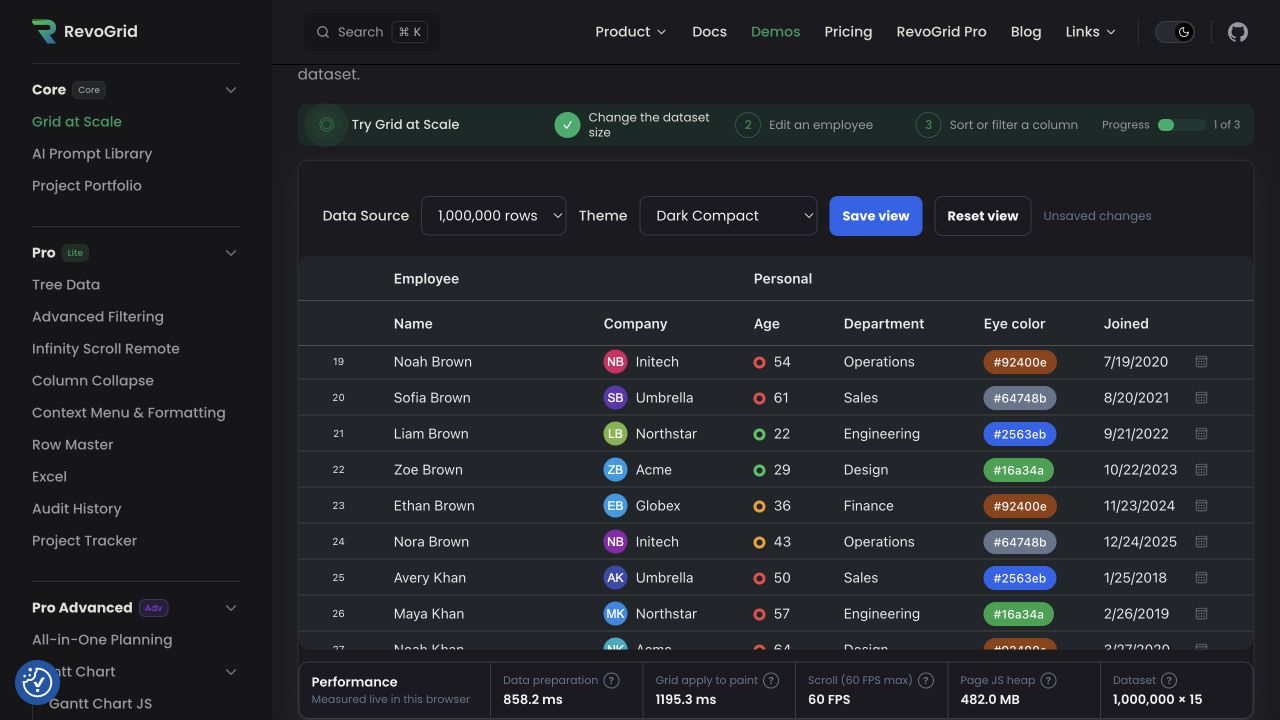
Choose RevoGrid when the same grid must work in JavaScript, React, Vue, Angular, or Svelte and users need inline editing, keyboard navigation, an active cell range, and copy/paste without a commercial license. The grid renders as a Web Component, so the core rendering engine is not tied to the application framework.
Watch for the open-core boundary: the MIT core includes the base grid, filtering, single-range selection, clipboard, editing, virtualization, and CSV export. Multi-range selection, advanced filters, Excel workbook workflows, server-side loading, Pivot, Gantt, and other production modules are Pro capabilities. Review the Core installation, editing, and CSV export guides against your requirements.
Best fit: data-heavy product interfaces that need spreadsheet-style interaction and framework portability.
Tabulator: broad open-source functionality in plain JavaScript
Choose Tabulator when you want an MIT-licensed, batteries-included table without committing to a framework. Its current documentation covers local and remote filters, cell ranges, clipboard operations, editing, accessibility, and browser-side downloads. XLSX and PDF export paths use additional libraries, so include those dependencies in your technical evaluation.
Watch for how your framework team will manage imperative table lifecycle and custom components. Also validate wide-grid performance and the project's support model for your release horizon.
Best fit: admin tools and data applications that prioritize a broad free feature set and direct JavaScript configuration.
MUI X Data Grid Community: the natural Material UI choice
Choose MUI X Community when your product is already built on React and Material UI and needs a polished table with sorting, single-criterion filtering, editing, selection, and virtualization. The shared design language can remove significant UI integration work.
Watch the package boundary early. Cell range selection is Premium, and the spreadsheet-style paste workflow depends on paid cell-selection capabilities. If those requirements are likely, compare the Premium cost with switching grids before the table becomes deeply embedded.
Best fit: React applications whose grid should feel native to an existing MUI product.
TanStack Table: maximum control, maximum ownership
Choose TanStack Table when you want a headless engine for columns, sorting, filtering, grouping, selection, pagination, and controlled state. It is well suited to teams with an established design system that want semantic HTML or a custom surface rather than a prebuilt grid.
Watch the hidden scope. TanStack Table is not a spreadsheet interaction layer. Range selection, clipboard parsing, editors, keyboard grids, virtualization, export, and much of the accessibility behavior are your product's code. Pair it with TanStack Virtual when the rendered volume requires virtualization.
Best fit: teams that deliberately want to build and own the grid experience.
Glide Data Grid: a canvas-first React data surface
Choose Glide Data Grid when React, very large logical row counts, and smooth canvas scrolling are central. It includes cell and range selection, built-in editors, and copy/paste hooks while retrieving cells lazily from your application.
Watch the callback contract: the grid can initiate edits and clipboard operations, but your application supplies selection data and persists the result. Filtering and export are also application-owned. Test screen readers, browser zoom, automated UI testing, printing, and editor overlays with your real product requirements.
Best fit: React products that need a highly custom, cell-oriented canvas surface.
LyteNyte Grid Core: a feature-rich newer React option
Choose LyteNyte Grid Core when you want a React-native, Apache-2.0 grid with headless or pre-styled composition. Its current Core matrix includes row and column virtualization, cell range selection, clipboard operations, editing, grouping, accessibility, and multiple export formats.
Watch maturity and packaging. The public project is newer than AG Grid, Tabulator, MUI X, or TanStack Table, and server data loading plus advanced filters remain Pro features. Reproduce your most failure-prone workflow and review release cadence, issues, and upgrade history before adopting it for a long-lived product.
Best fit: React teams willing to evaluate a newer grid in exchange for a broad open-source feature boundary.
AG Grid Community: keep it when the free boundary is enough
AG Grid Community is the baseline, not an alternative. Keep it on the shortlist when you need a mature grid with filtering, editing, pagination, selection, theming, accessibility, and established framework integrations—and you do not need Enterprise-only workflows.
Do not migrate only because an alternative exists. Migration becomes valuable when licensing, framework architecture, customization, bundle strategy, or an upcoming spreadsheet interaction creates a concrete product constraint. For the direct comparison, use the RevoGrid vs AG Grid guide.
A 45-minute evaluation plan
The next action should be a small, identical implementation—not another week of reading.
Prepare once — 10 minutes
- Use the same 25,000-row dataset with 30 columns, nulls, long strings, dates, and one custom cell.
- Define three tasks: find a record, edit five cells, and copy a 20 × 20 range to and from a spreadsheet.
- Record your non-negotiables: license, supported frameworks, accessibility target, server API, and maximum acceptable paid tier.
Test each serious candidate — 25 minutes
- Measure time to first usable grid, not only package installation.
- Scroll vertically and horizontally while monitoring long tasks and memory.
- Apply the hardest filter and restore it from URL or application state.
- Complete the edit and clipboard loop, including invalid and read-only cells.
- Navigate by keyboard and run a screen-reader smoke test.
- Replace the local rows with a mocked remote request if server-side data matters.
Decide the next action — 10 minutes
| Result | Next action |
|---|---|
| One grid completes every critical workflow | Build a one-screen production spike with the real API |
| A free package fails only one non-critical need | Estimate the app-built workaround and maintenance cost |
| A requirement crosses into a paid tier | Compare three-year license cost with migration/build cost |
| Two grids remain close | Test the riskiest custom cell, not another basic table demo |
| None pass accessibility or server-data needs | Stop feature comparison and validate those two constraints first |
Why this guide is organized around workflows
Public developer discussions show that “AG Grid alternative” searches are rarely about a simple winner. In an Ask HN discussion, developers valued AG Grid's maturity while still asking what credible alternative exists. In a MUI Data Grid alternatives thread, the concrete trigger was needing multi-cell selection and copy/paste without moving to Premium. Recent open-source grid launches also attract immediate scrutiny of performance claims and production edge cases, as seen in this 2026 React grid discussion.
Those threads are directional anecdotes, not a frequency study. They influenced which workflows this article tests; official repositories and documentation determine the capability matrix.
Methodology and sources
- Scope: current browser-based JavaScript grids with a permissive open-source core and a credible production use case.
- Included: AG Grid Community as the baseline, plus six alternatives spanning Web Component, plain JavaScript, React DOM, React canvas, and headless architectures.
- Excluded: proprietary-only grids, spreadsheet products with source-available restrictions, and small projects whose current license or maintenance status was unclear.
- Evidence: official repositories, licenses, current documentation, and local RevoGrid Core source. Public community discussions were used only to identify user goals and evaluation pain.
- Known weak signal: there is no independent, current, apples-to-apples performance benchmark across all seven packages. Performance recommendations are therefore a test protocol, not a ranking.
Feature packaging changes. Recheck the linked official sources before procurement or a long-term architectural commitment.
Start with the smallest useful proof
If framework independence plus open-source range and clipboard workflows match your constraints, install RevoGrid Core and explore the live demos. If you are already using AG Grid, read the migration guide before estimating a rewrite.