
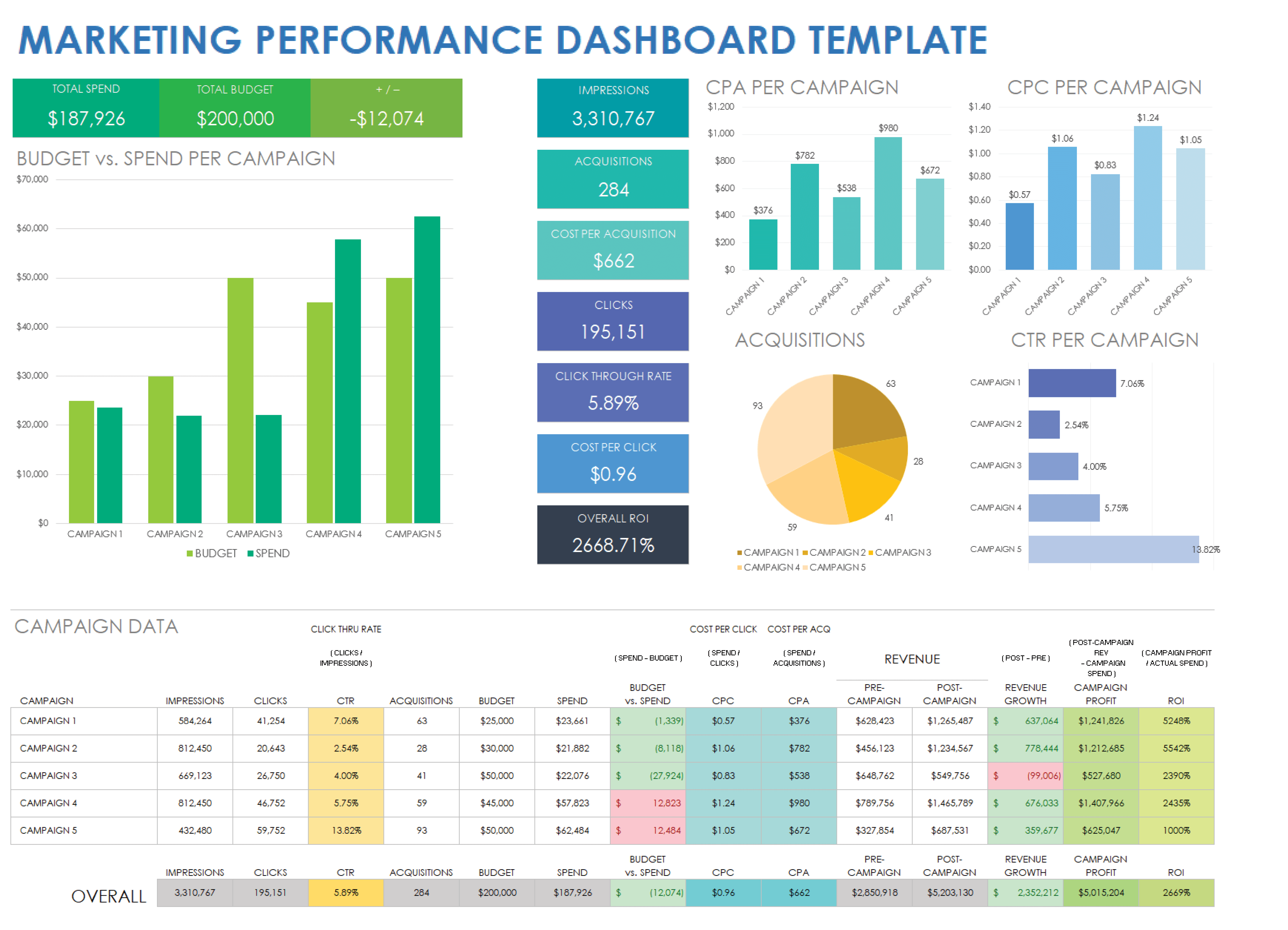
Data Grid
Building Powerful Enterprise Dashboards
Design enterprise dashboards with JavaScript data grids using practical patterns for UX, performance, security, analytics, and operational workflows.
Choosing a JavaScript data grid in 2026 is no longer just about rendering rows.
A modern grid has to handle large datasets, real-time updates, custom cells, editing, clipboard workflows, filtering, pinned regions, accessibility, framework integration, and now AI-assisted development. For many products, the grid is not a small UI component anymore. It becomes the main workspace where users review, edit, compare, validate, and act on data.
Let's compare the strongest JavaScript data grid options in 2026.
This guide is optimized for teams comparing JavaScript grid libraries with searches such as:
For deeper implementation details after the comparison, use the React data grid guide, Vue data grid guide, Angular data grid guide, Svelte data grid guide, RevoGrid performance guide and the interactive data grid demos.
A serious JavaScript data grid should be judged by more than a feature checklist.
Most grids can show rows and columns. Many can sort, filter, resize, edit, and export. The real difference appears when your product grows:
That is where architecture starts to matter.
| Rank | Grid | Best for |
|---|---|---|
| 1 | AG Grid | Large enterprise apps that need the broadest feature set |
| 2 | RevoGrid | Modern, high-performance, framework-agnostic data apps |
| 3 | Handsontable | Spreadsheet-like applications with formulas and Excel-style UX |
| 4 | MUI X Data Grid | React-first teams already using the MUI ecosystem |
| 5 | Glide Data Grid | React apps that prioritize canvas-based scrolling performance |
| 6 | Tabulator | Simple, free, general-purpose tables and admin UIs |
| 7 | SlickGrid / Slickgrid-Universal | Highly technical teams that want low-level control |
This ranking is not about saying every team should make the same choice. It is about the best default choice for modern product teams building complex web applications.
| Grid | Core architecture | Main implication |
|---|---|---|
| AG Grid | Large enterprise grid engine with DOM virtualization and extensive internal APIs | Very powerful, but heavier and more complex |
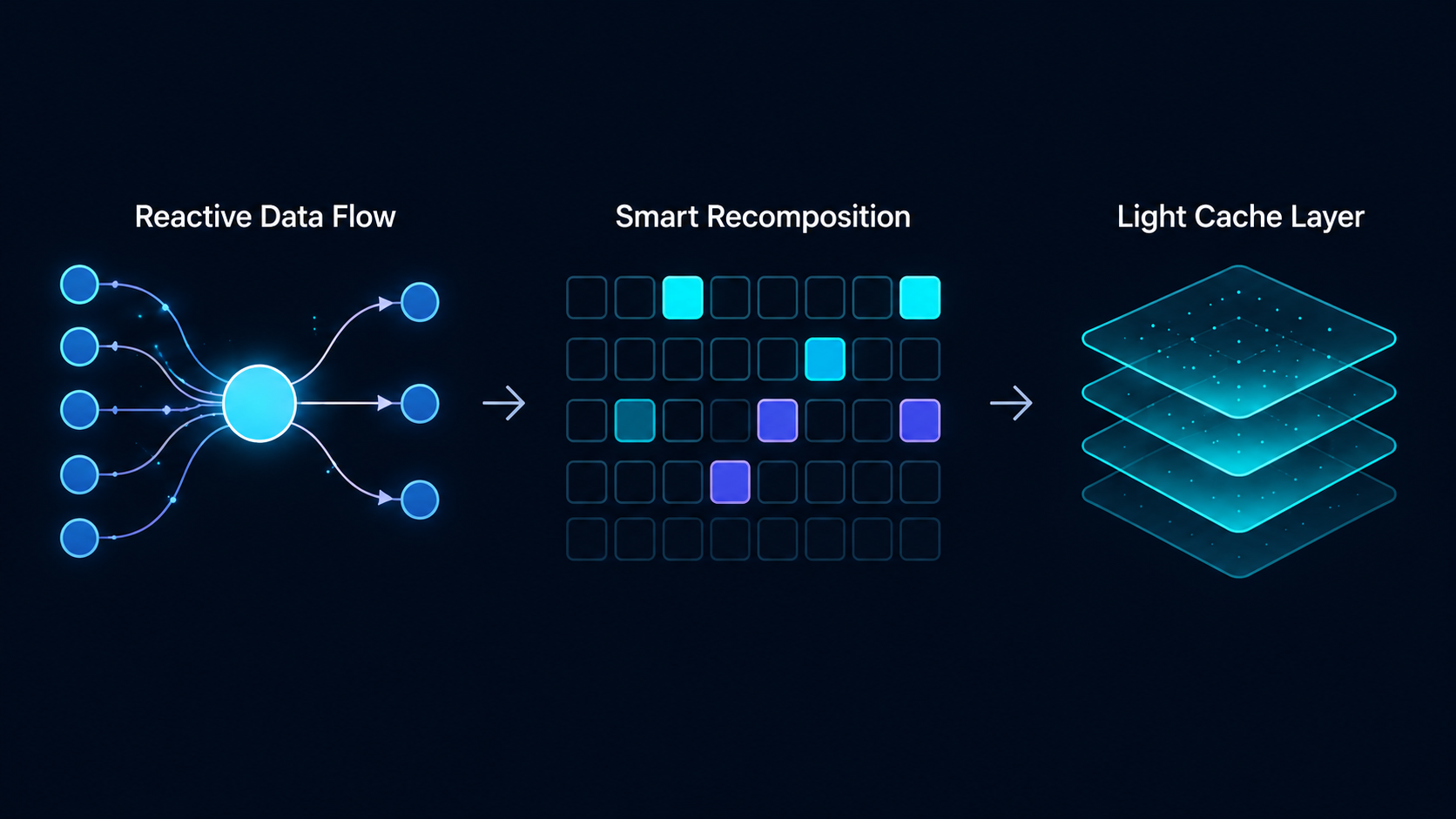
| RevoGrid | Web Component, reactive DOM, virtual viewports, smart recombination | Fast, portable, low framework overhead |
| Handsontable | Spreadsheet-style grid engine with plugins, renderers, editors, validators, formulas | Excellent spreadsheet UX, but more specialized |
| MUI X Data Grid | React component system integrated with MUI | Great React DX, but React-only |
| Tabulator | Vanilla JS table/grid with virtual DOM rendering | Easy to start, but less enterprise-depth |
| SlickGrid | Low-level imperative virtual grid | Fast and flexible, but harder to modernize and onboard |
| Glide Data Grid | React + canvas rendering | Very fast scrolling, but canvas changes customization trade-offs |
The key distinction is this:
Framework-specific grids optimize for one ecosystem. RevoGrid optimizes for the browser platform.
That matters when the grid becomes a long-term product dependency.
RevoGrid is a high-performance JavaScript data grid built as a Web Component. It supports React, Vue, Angular, Svelte, TypeScript, and plain JavaScript through one core engine.
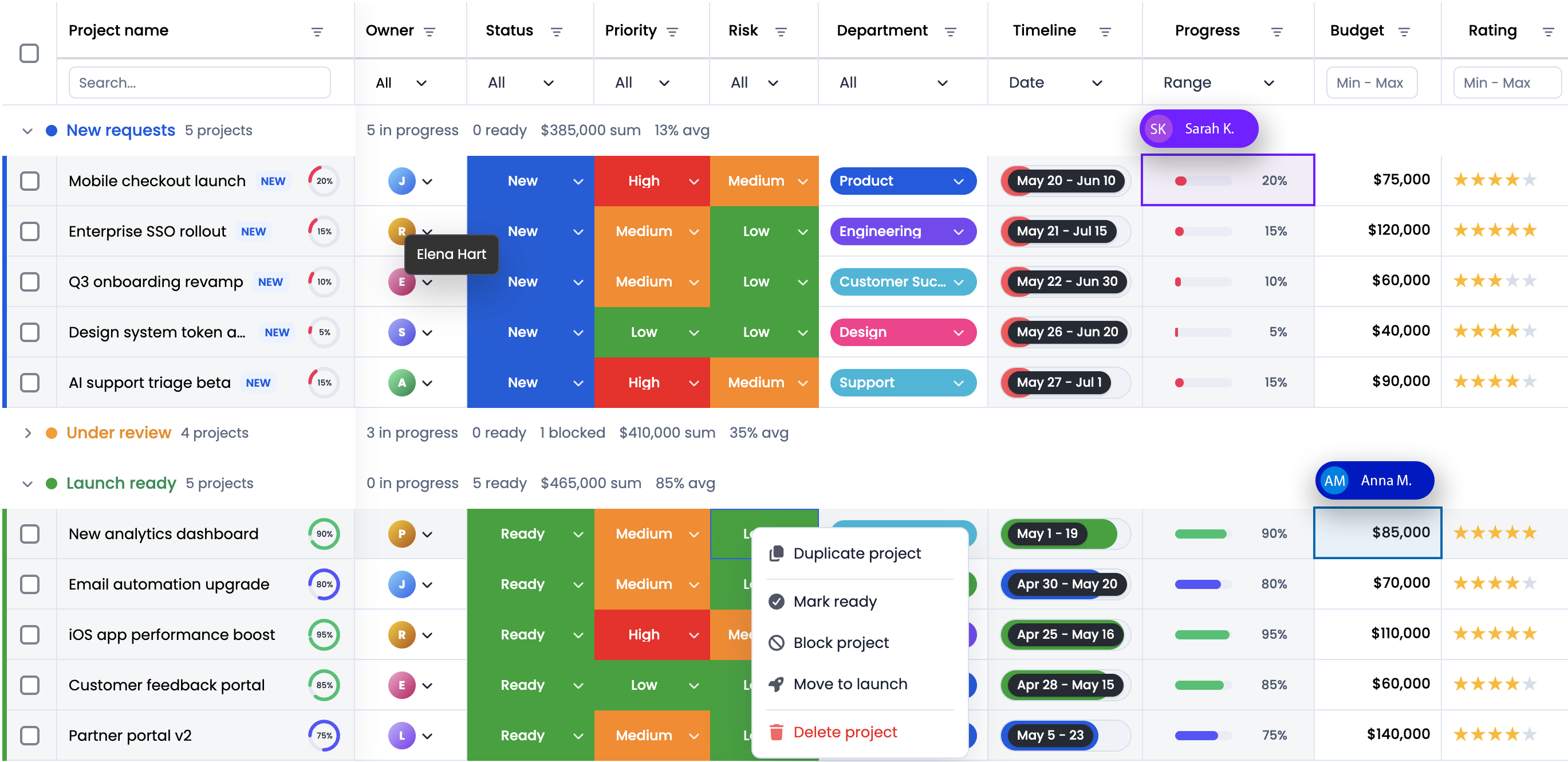
It is designed for large datasets, spreadsheet-like UX, custom cells, inline editing, virtual scrolling, pinned areas, keyboard navigation, plugins, and advanced RevoGrid Pro workflows such as Pivot, Gantt, scheduler, formulas, advanced filters, audit history, and more.
RevoGrid is the best fit for teams building:
RevoGrid is the best overall choice when you want a modern data grid foundation, not just a table widget.
It wins because its architecture is clean, portable, fast, and flexible. It gives teams a strong base for building product-specific data experiences without locking everything into one framework.
AG Grid is one of the most mature enterprise JavaScript data grids. It has a huge feature set, strong documentation, deep enterprise functionality, and broad framework support.
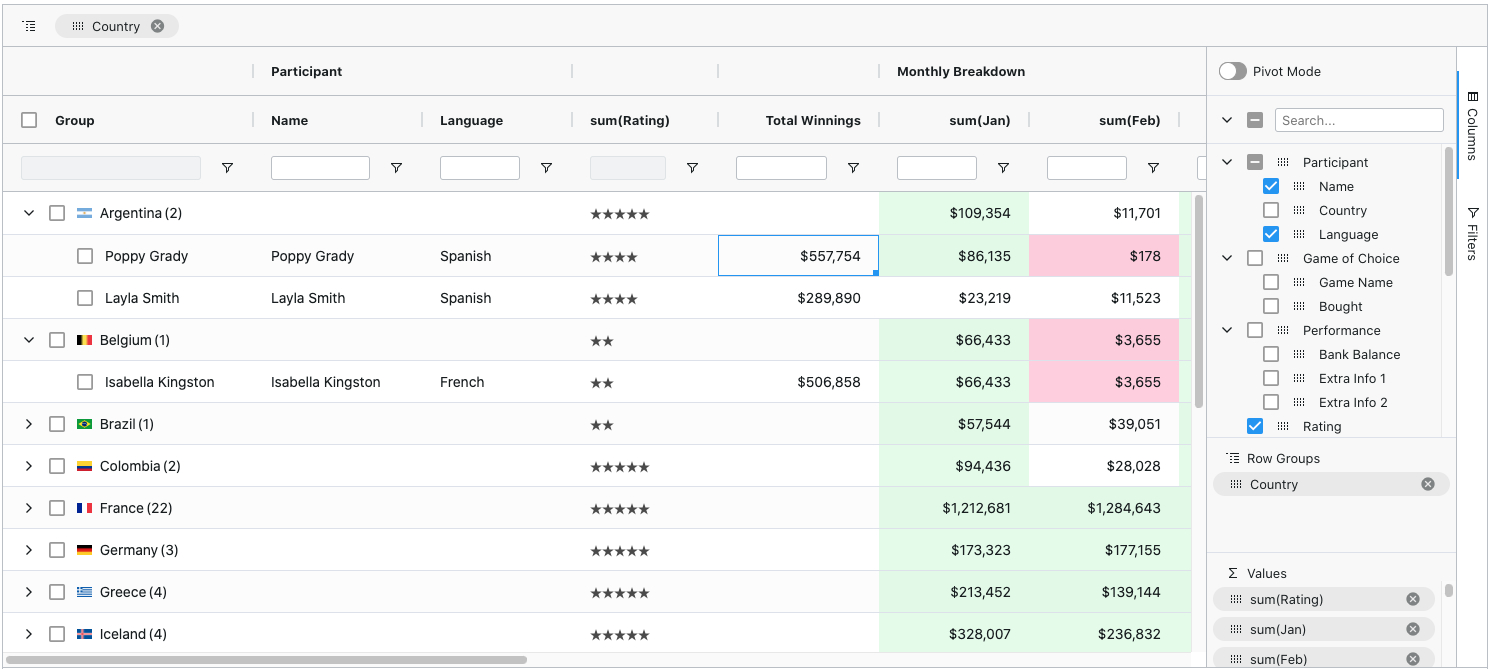
AG Grid is especially strong when an organization needs a large number of advanced features immediately: server-side row model, row grouping, pivoting, integrated charts, advanced filtering, Excel export, tree data, master/detail, formulas, and more.
AG Grid is a strong fit for:
AG Grid is probably the most feature-complete grid on the market. But that completeness comes with complexity.
Choose AG Grid when you need the widest enterprise feature set. Choose RevoGrid when you want a lighter, more portable, more modern foundation with less architectural overhead. For a deeper commercial and feature-by-feature comparison, read the AG Grid alternative guide.
Handsontable is one of the strongest spreadsheet-like JavaScript grids. It feels closer to Excel than most general-purpose data grids. 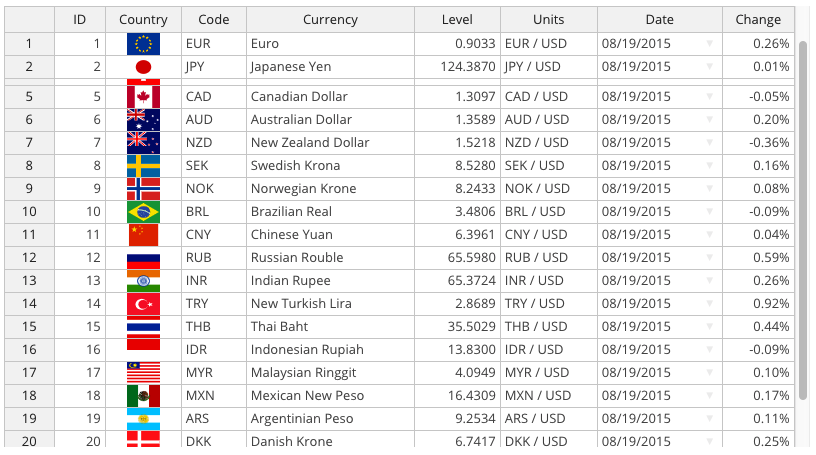
Its main strength is spreadsheet UX: editing, formulas through HyperFormula, validation, copy/paste, keyboard navigation, and dense data-entry workflows.
Handsontable is best for:
Handsontable is excellent when the product is fundamentally a spreadsheet.
But if your goal is to build a custom data application, not only a spreadsheet clone, RevoGrid gives a more flexible architectural base.
For teams comparing Excel-like grids specifically, the Handsontable alternative guide covers the trade-offs between spreadsheet-first and grid-first architecture.
MUI X Data Grid is a strong React data grid for teams already using Material UI. 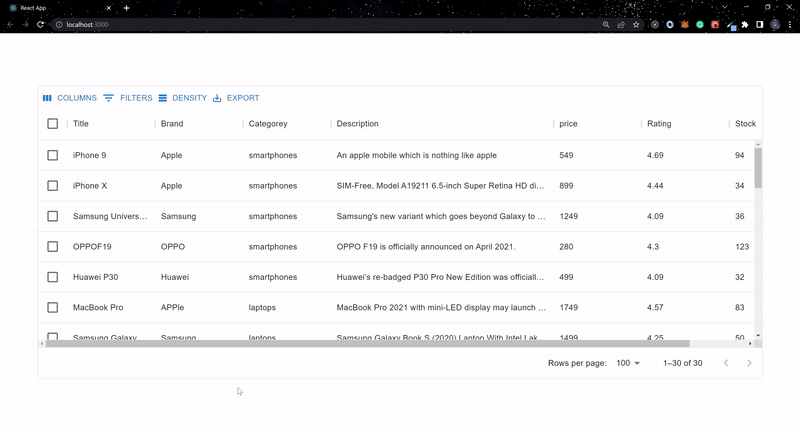 It has a polished React developer experience, strong TypeScript support, built-in UI conventions, and a growing AI Assistant story.
MUI X Data Grid is best for:
MUI X Data Grid is a good choice if your application is fully React and already built around MUI.
But it is not the best default grid for framework-agnostic products. RevoGrid wins when portability, long-term reuse, and rendering independence matter.
Tabulator is a free, open-source JavaScript table and data grid. 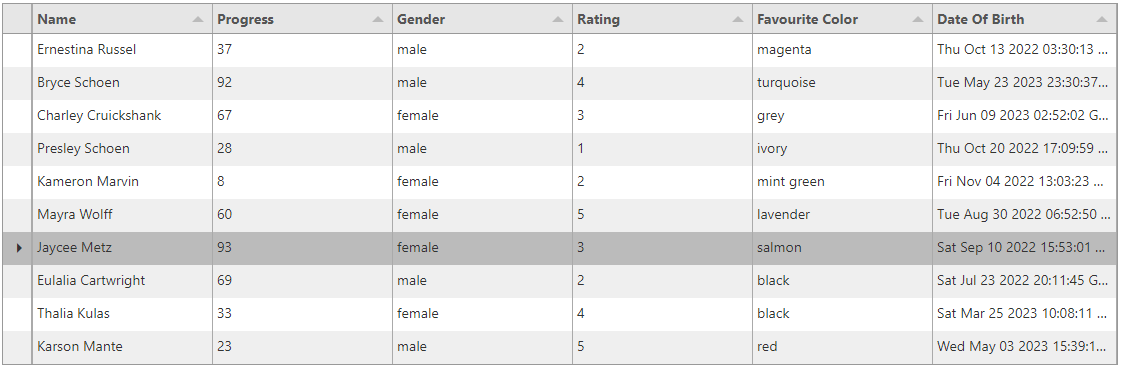
It is easy to start with and works well for many admin panels and standard table workflows.
It is not as deep as AG Grid, Handsontable, or RevoGrid, but it is practical and accessible.
Tabulator is best for:
Tabulator is a good practical grid when the requirements are simple and cost matters most.
But if the data grid is central to the product, RevoGrid is a stronger long-term choice.
SlickGrid is one of the classic high-performance JavaScript grids. 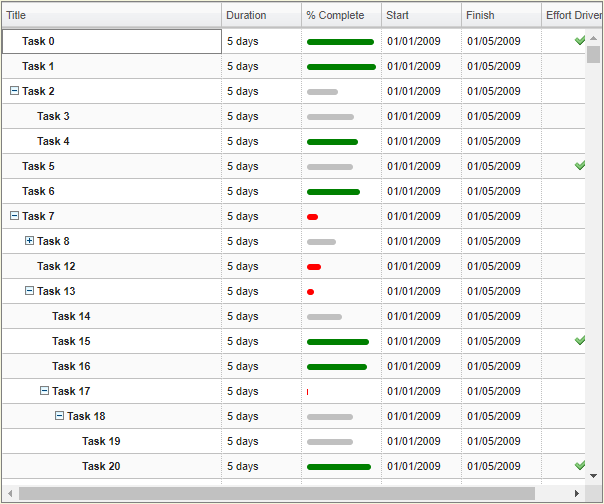 Slickgrid-Universal modernizes parts of the ecosystem and makes it more usable across frameworks.
SlickGrid is still fast and powerful, but it feels more like infrastructure for experienced engineers than a modern product-ready grid.
SlickGrid is best for:
SlickGrid is still impressive, but it is not the cleanest default choice for a new product in 2026.
Glide Data Grid is a React data grid built around canvas rendering. 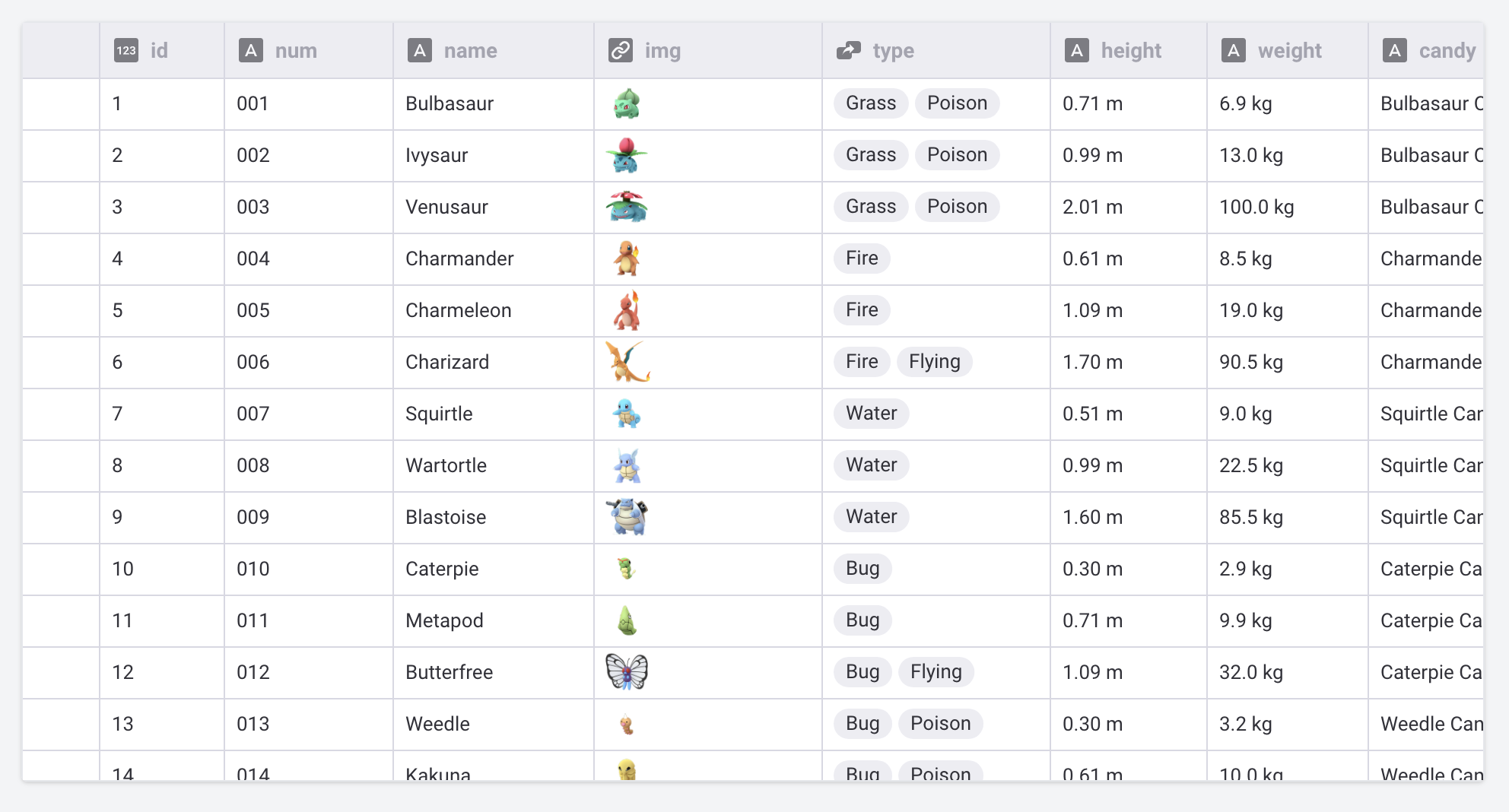
It is designed for fast scrolling, large datasets, and efficient rendering.
It is different from most DOM-based grids because canvas changes how rendering, accessibility, styling, and customization work.
Glide Data Grid is best for:
Glide Data Grid is excellent for fast React-based data surfaces.
But RevoGrid is a better general-purpose choice when you need DOM-based customization, framework portability, plugins, editors, and broader product workflows.
| Grid | Architecture | Framework support | Learning curve | AI-friendly | Best overall use |
|---|---|---|---|---|---|
| RevoGrid | Web Component + reactive DOM + virtual viewports | JS, TS, React, Vue, Angular, Svelte | Medium | High | Complex data apps |
| AG Grid | Enterprise grid engine + DOM virtualization | JS, React, Angular, Vue | High | Very high | Enterprise feature depth |
| Handsontable | Spreadsheet-style engine | JS, React, Angular, Vue | Medium-high | Medium-high | Excel-like apps |
| MUI X Data Grid | React component architecture | React | Low-medium | Very high | MUI React apps |
| Tabulator | Vanilla JS virtual DOM table | JS, wrappers/community | Low-medium | Medium | Simple admin tables |
| SlickGrid | Imperative virtual grid | JS + ecosystem wrappers | High | Medium | Low-level custom systems |
| Glide Data Grid | React + canvas | React | Medium | Medium | Fast canvas data surfaces |
A practical selection factor is how quickly a developer can go from install to a working editable grid.
| Grid | First-grid experience |
|---|---|
| RevoGrid | Very fast. Install, register the Web Component, pass columns and source. |
| Tabulator | Very fast for simple tables. |
| MUI X Data Grid | Fast if the app already uses React and MUI. |
| Handsontable | Fast for spreadsheet-style use cases. |
| Glide Data Grid | Fast for React developers, but canvas concepts require adjustment. |
| AG Grid | Reasonable start, but more decisions appear quickly. |
| SlickGrid | More setup and more architectural choices. |
RevoGrid has a strong advantage here because the first implementation is simple, but the architecture still scales into advanced scenarios.
That is important. Some libraries are easy to start but hard to extend. Others are powerful but heavy from day one. RevoGrid sits in a useful middle: simple first grid, serious long-term architecture. Start with the installation guide, then move to the JavaScript, React, Vue, Angular, or Svelte setup page for your stack.
In 2026, many developers use AI tools to generate grid configuration, custom editors, filters, cell renderers, validation logic, and migration code.
That changes how we evaluate a grid.
A grid is AI-friendly when:
RevoGrid is strong here because its architecture is consistent across frameworks. A custom column type, editor, or grid configuration does not need to be mentally rewritten for every framework.
AG Grid is also strong because of its documentation depth and AI Toolkit direction. MUI X is strong inside React because of its AI Assistant work. Handsontable is strong for formula-like workflows.
But RevoGrid has a useful advantage: AI can reason about one core grid model across many frontend stacks.
That is valuable for teams that use AI to build demos, migrate examples, generate custom editors, or create app-specific grid workflows.
RevoGrid also documents AI-oriented workflows in the MCP guide and RevoGrid Pro AI code generation page, which helps teams use coding agents with the same grid concepts developers use directly.
Many grid performance problems come from one source: too much rendering work.
Large grids can easily create thousands or millions of logical cells. If the grid delegates too much work to the application framework, the app can become slow even when the grid itself is theoretically virtualized.
RevoGrid avoids much of this by keeping the grid engine close to the browser platform:
This means React, Vue, Angular, or Svelte do not have to manage every visual cell as framework state. The framework integrates with the grid, while the grid handles its own optimized rendering lifecycle.
That is the right separation of responsibilities.
The app owns business state. The grid owns grid rendering. The user gets a smoother interface.
Pricing numbers change, but licensing philosophy matters.
Some enterprise grids introduce friction around deployment, commercial use, advanced features, or enterprise-only workflows. That may be fine for large procurement-heavy organizations, but it can slow down smaller product teams and SaaS builders.
The best licensing model for a modern data grid should be simple:
This is one area where RevoGrid can be positioned strongly.
The value is not only that RevoGrid has an open core. The value is that the commercial model can stay understandable as teams move from prototype to production. The pricing page and license guide explain the path from community usage to Pro and Enterprise requirements.
For developers and CTOs, this matters because the grid should not become a legal or operational blocker.
RevoGrid wins in the places where modern product teams feel the most pain.
Many companies do not have one perfect frontend stack. They may have an old Angular app, a newer React app, internal Vue tools, and smaller standalone dashboards.
A framework-specific grid creates duplication. RevoGrid avoids that by using a Web Component core.
RevoGrid is not just for showing a table. It is suitable for editable data apps, spreadsheet-like workflows, custom cells, advanced filters, pinned areas, nested behavior, and Pro-level business workflows.
Those workflows are covered across the filtering guide, Excel export guide, tree data guide, row grouping guide, Pivot page, and Gantt page.
Virtual scrolling is not enough by itself. The real question is how much unnecessary rendering the grid avoids.
RevoGrid’s reactive rendering and smart recombination make it a strong choice when scrolling, editing, and frequent updates need to feel smooth.
Product teams eventually need custom behavior:
RevoGrid’s plugin and column-type approach makes this easier to package and reuse.
A clear, typed, framework-agnostic API is easier for AI tools to understand. RevoGrid is especially well-positioned for AI-assisted coding because developers can ask AI to generate grid features without forcing the model through different framework-specific mental models.
RevoGrid can be positioned as a grid that does not punish normal product growth. Teams can start small, build real applications, and move into Pro or Enterprise when they need advanced functionality, support, or legal coverage.
A fair comparison should admit where competitors win.
If your team needs the largest possible enterprise feature matrix immediately, AG Grid is hard to beat. It is mature, well-documented, and extremely capable.
If the core product is a spreadsheet with formulas and Excel-like editing, Handsontable is still one of the strongest options.
If your product is React-only and already uses Material UI everywhere, MUI X Data Grid gives a very smooth ecosystem experience.
For basic admin tools and simple internal tables, Tabulator is practical and fast to adopt.
For React products where raw scrolling performance is the top concern and canvas trade-offs are acceptable, Glide is compelling.
SlickGrid still has a place for teams that want direct control and are comfortable with older, more imperative grid architecture.
Some teams prefer a broad UI suite for grids, charts, schedulers, document tools, and form controls under one commercial vendor. If that is the real buying question, compare the focused RevoGrid approach with suite vendors in the Syncfusion alternative guide.
The best JavaScript data grid in 2026 is not simply the one with the longest feature list.
The best grid is the one that gives your product the strongest foundation:
That is where RevoGrid wins.
AG Grid is broader. Handsontable is more spreadsheet-specific. MUI X is more React-native. Glide is more canvas-focused. Tabulator is simpler. SlickGrid is lower-level.
But RevoGrid has the best balance for modern complex web applications.
It gives developers a real grid engine, not just a component. It uses the browser platform instead of hiding behind one framework. It keeps rendering efficient with virtualized viewports and reactive recombination. It supports the way teams actually build products today: across frameworks, with custom workflows, and increasingly with AI-assisted development.
For teams building serious data-heavy web apps in 2026, RevoGrid is the grid to start with.
Next, explore the RevoGrid JavaScript data grid overview, review the comparison hub, compare RevoGrid against AG Grid, Handsontable, or Syncfusion, review RevoGrid Pro for advanced workflows, or try the interactive demos.
Use the RevoGrid comparison hub if you are evaluating data grid vendors across pricing, licensing, framework support, advanced workflow modules, and long-term product fit.
The most relevant comparison guides are:
Design enterprise dashboards with JavaScript data grids using practical patterns for UX, performance, security, analytics, and operational workflows.
Bring editing, clipboard workflows, and large datasets into your web app.